
I present to enterprise clients a lot. Discovery calls, demos, exec readouts, usually on an external monitor while my laptop screen stays free for notes. For years I ran my NicDeck reveal.js decks in a Chrome window launched by my deck open command. It worked, but every meeting I was one stray notification or one wrong shortcut away from looking sloppy in front of a buyer.
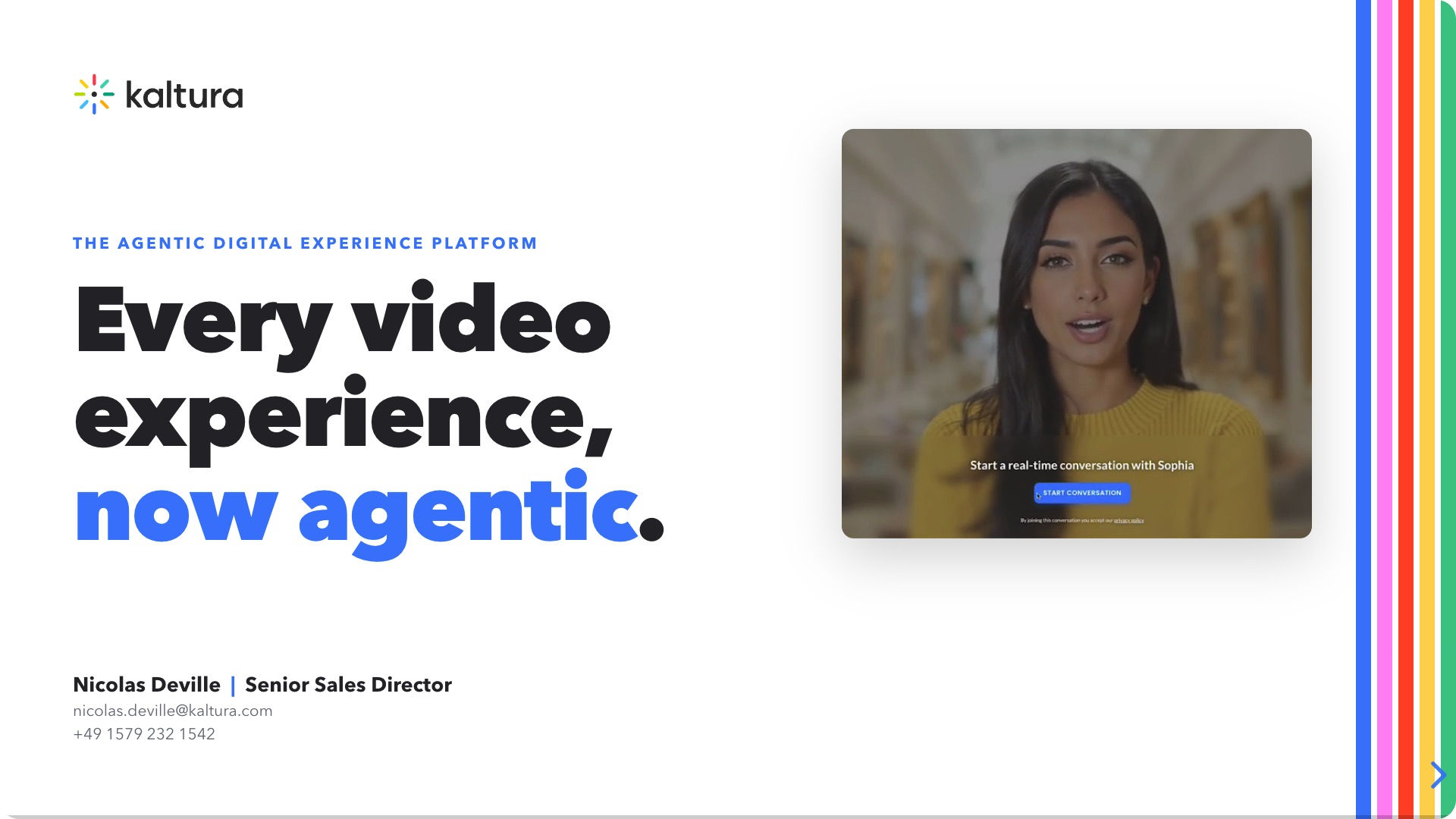
So I built Deckee. It shows one deck and nothing else. One window, one deck, no tabs, no address bar, no bookmarks bar, locked fullscreen on my presentation monitor. I built it myself with Claude Code.


High-level features
What Deckee does, at a glance:
- One deck, fullscreen, with nothing else on the client screen
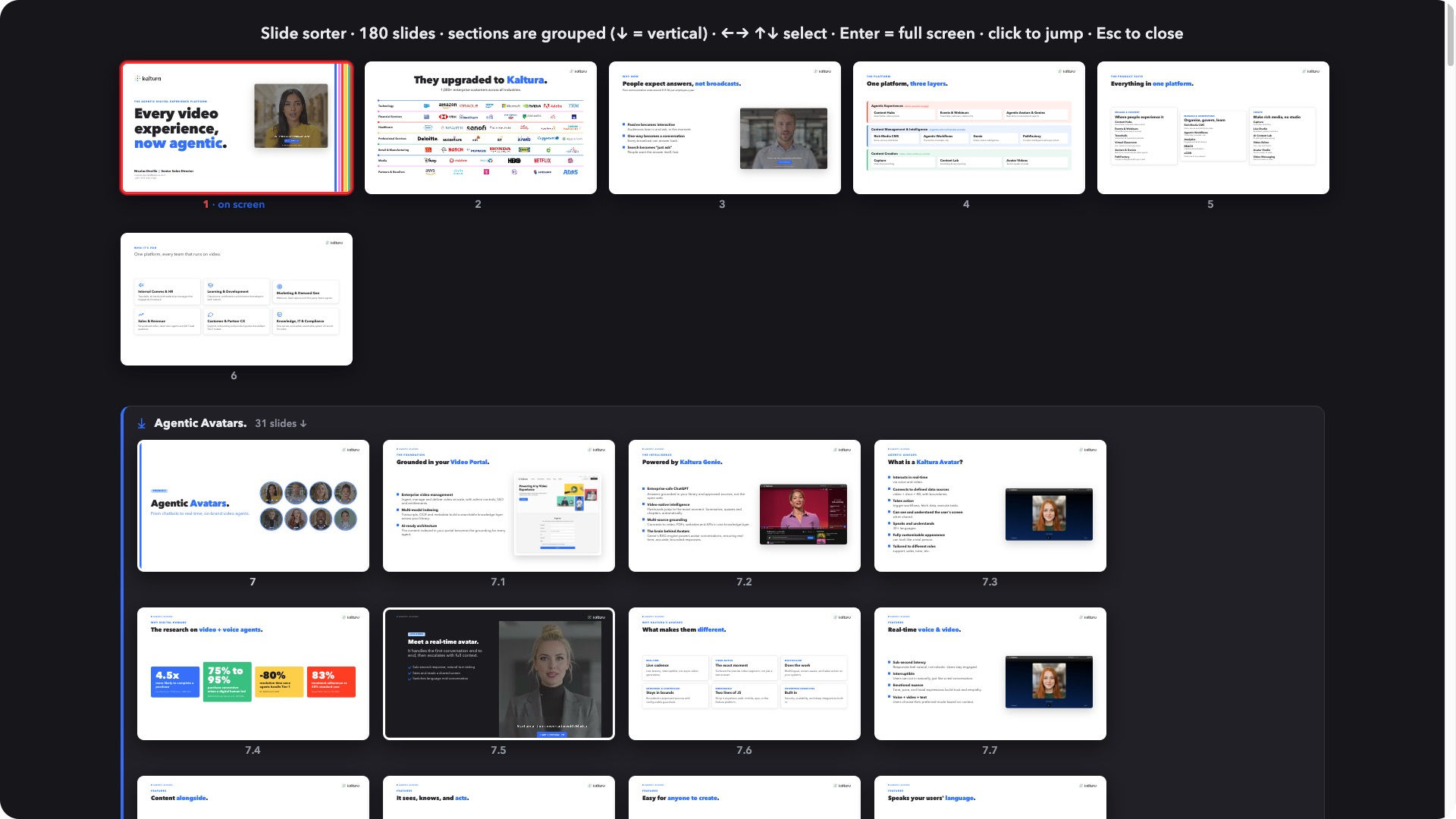
- Opens the right deck in a second from a searchable list
- Leaves my other monitors free for notes and the CRM
- The embedded avatar video plays and scrubs smoothly
- A small badge always shows which deck is on screen
- Works on its own, even offline
- Drag a deck onto it to open, drop it onto the right monitor
For business people
If you present to clients, here is why a dedicated tool beats a browser tab.
When you share a deck from a browser, the room sees the browser too. Tabs. The address bar. Your bookmarks. The menu bar. And the live grenade: a Slack ping, a calendar reminder, a "your password expires today" banner popping up over your slide while a VP is watching. One wrong keystroke and the tab closes mid-sentence. None of that makes you look composed.
Deckee removes all of it. The client screen shows the deck, full stop. Nothing else can appear on it. My attention stays on the conversation instead of on babysitting a browser window.
It also fixes the small frictions that add up across a day of back-to-back calls:
- Right deck, fast. I keep dozens of decks. A quick picker filters them by name or folder, so I open the right one in a second instead of digging through Finder while a client waits.
- My other screens stay mine. The deck fills only the presentation monitor. My laptop and second screen keep working normally, so I can read notes, check the agenda, or glance at the CRM without the audience seeing any of it.
- The avatar just plays. My decks can embed a Kaltura avatar video. In Deckee it plays and scrubs smoothly, with no stutter when I jump around the timeline.
- Always know what is on screen. A small badge in the corner shows the deck name, so I never start presenting the wrong file.
I walk into a meeting, open the deck, and present. The tool disappears and the buyer sees a clean screen. In a sales call, that calm is half the pitch.
The rest of this note is for the engineers.
For technical people
Deckee is an Electron app, single process, seven small modules under src/. CommonJS main process, no renderer build step, no TypeScript. The interesting parts are not the UI but the constraints macOS and the deck format impose.
Why not just file://
My NicDeck decks are single HTML files that link the shared runtime, theme, and media library by absolute path (/Users/nic/ai/ka/decks/_runtime/deck.css and friends, where _runtime is a symlink into the deck skill). The embedded avatar <video> needs HTTP range to seek. A file:// window gives you neither absolute-path resolution over HTTP nor range support, so it does not work. The deck has to be served.
The embedded server
server.js is a faithful Node reimplementation of my deck-server.py. The fidelity is the point, so I did not get clever with it. It:
- Roots at
/, so the URL path equals the disk path - Follows symlinks and serves the target (this is how the
_runtimetheme and engine resolve) - Answers
Rangewith real206andContent-Rangefor the avatar video - Sends
Cache-Control: no-cacheon every response, so a live theme edit shows up on the next reload - Uses an explicit MIME map and returns
404on directories (no listings)
One concrete edge: it swallows client aborts (EPIPE / ECONNRESET) on video seeks, the kind of case the Python server also handles, so scrubbing the avatar timeline never throws.
It binds 127.0.0.1:7071 and auto-increments if the port is busy. Port 7070 is permanently held by my always-on deck-server.py LaunchAgent, which is also why a URL mode exists: point Deckee at http://localhost:7070<abspath> and skip the embedded server entirely. File mode (the default) is self-contained and works when that LaunchAgent is absent.
Fullscreen is a macOS rabbit hole
Present mode uses native macOS fullscreen, not simpleFullscreen. The difference matters because of "Displays have separate Spaces", which is on by default. With it on, native fullscreen hides the menu bar and dock only on the presenting display, so my other monitors keep their menu bars and stay fully usable. simpleFullscreen hides the menu bar app-wide, on every monitor at once, which is wrong for a multi-monitor presenting setup.
So display.fullscreen is adaptive. resolveFullscreenMode() reads com.apple.spaces spans-displays and picks native unless separate Spaces is off, in which case it falls back to simple (where native would otherwise take over all displays). That one preference quietly dictates the right fullscreen API.
The hotkey war story
This one cost me real time. Deck-scoped keys (Cmd+O, Cmd+F, Cmd+N, R, F, Cmd+arrows) are per-window via webContents.on('before-input-event'), so everything I do not intercept (arrows, space, PageUp/Down) passes straight through to reveal.js. Esc is deliberately left unbound because the decks use it for the slide sorter.
But Cmd+ (cycle windows), Cmd+W (close), and Cmd+Q (quit) must be application-menu accelerators, not before-input-event handlers. macOS resolves menu key-equivalents in the AppKit responder chain before the event is dispatched to the web contents, so the renderer never sees the key. The trap: my first before-input-event binding for Cmd+ looked correct, and it passed a test that injected the key. On a real keypress it never fired. Injected-key tests lie here. The fix was a minimal application menu (buildAppMenu) carrying those accelerators, hidden while presenting and shown in review mode. Going back to Menu.setApplicationMenu(null) is what broke Cmd+ in the first place.
Multi-window, one process
main.js tracks a deckWindows Set; each window carries its state on w._dk. Opening a deck creates a window per deck, or focuses the existing one if that deck is already open. All windows share one server handle, and the display-sleep powerSaveBlocker is refcounted across present windows, so it releases only when the last presenting window closes.
Renderer security
nodeIntegration: false, contextIsolation: true, webSecurity: true. sandbox: false is set only so the preload can read additionalArguments and use webUtils. The deck page itself still gets no Node access. The picker overlay (recents and file browser) lives in the deck's own DOM via the preload rather than a separate window, which is what lets it appear in fullscreen where the menu bar is hidden.
Testing and packaging
There is no unit-test framework. The QA harness is a headless --selftest built into main.js: it opens a hidden review window, loads a deck through the real renderer, and asserts the whole pipeline. Reveal engine, slide count, the symlinked deck.css, the avatar video Range/206 and no-cache, the filename badge, the recents picker, the file browser. It prints PASS/FAIL per check, exits 0/1, and drops frame captures to /tmp/deckee-shot.png. The app ships as an ad-hoc-signed arm64 build via electron-builder, no Developer ID, no notarization.
Everything that matters (deck, display, mode, browse roots, fullscreen behaviour, cursor timeout) is config-driven, deep-merged over defaults, so I change behaviour without touching code.
The whole thing is small on purpose: one process, seven modules, one job.