

Teams for Linux is the closest thing Linux has to a Microsoft Teams desktop app. Microsoft retired its own Linux client at the end of 2022 and pointed Linux users to the Progressive Web App (PWA) in Edge or Chrome. Teams for Linux wraps the same Teams web app in Electron and adds what a browser tab can't: a tray icon with an unread badge, native notifications, separate work and personal profiles, Intune single sign-on and an MQTT bridge for home automation.
It is a community project, not affiliated with Microsoft. Whatever the Teams web app can't do, this app can't do either.
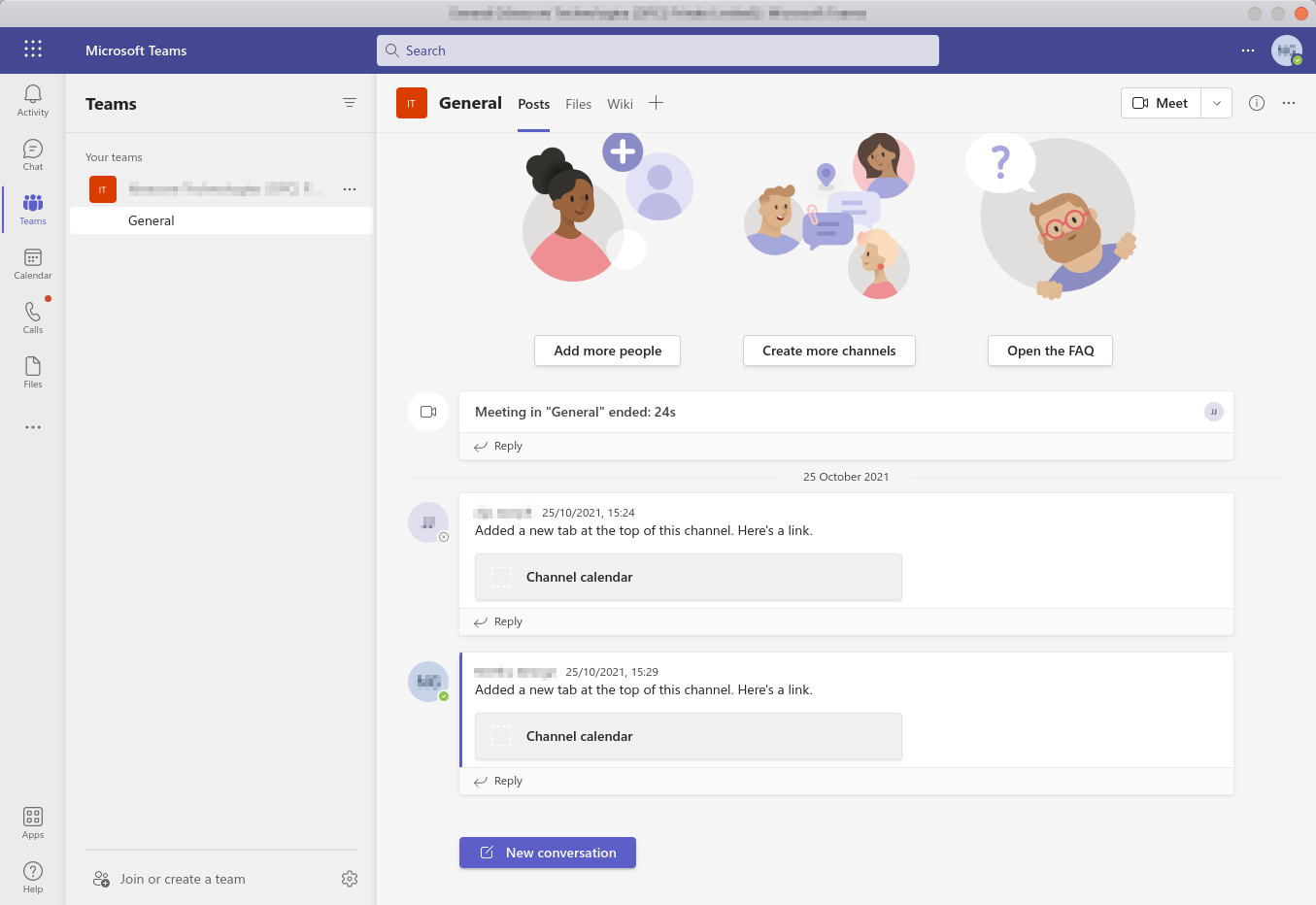
Key facts
| Maintainer | Ismael Martinez, with 100+ contributors |
| Started | October 2018, as a fork of earlier wrappers by ivelkov and Jamie Magee |
| Language | JavaScript on Electron 43 |
| Licence | GPL-3.0 |
| Traction | About 5,100 GitHub stars and 1.08 million Flathub installs on 10th October 2026 |
| Latest release | v2.24.0, 3rd October 2026. A new version ships about every week |
| Platforms | Linux (x64 and ARM), plus Windows and macOS builds |
| Price | Free. Sponsored by Recall.ai |
Why it exists
The project began as a stopgap. The plan was to let it die once Microsoft shipped a native Linux client, and Microsoft shipped a preview of one in December 2019. That client never matched the Windows and Mac versions, and Microsoft retired it in December 2022 in favour of the PWA. Teams for Linux carried on, because many users preferred an installable app to a browser tab. 8 years in, it is the de facto Teams client on Linux.
Features
- Desktop integration: native notifications, tray icon with unread count, minimise to tray on close.
- Screen sharing: a picker for screens and windows, plus an optional floating preview of what you share. Works on X11 and on Wayland through the desktop portal.
- Custom backgrounds for video calls, and custom themes.
- Multiple accounts: an experimental in-app profile switcher in 1 window, or fully separate instances with their own icon and data folder.
- Enterprise sign-in: Intune single sign-on through Microsoft's Identity Broker, corporate CA certificates, proxy support.
- MQTT bridge (off by default): publishes your presence and incoming calls to a broker, and accepts commands to toggle mute, camera and raised hand.
- D-Bus controls and Teams state signals, new in v2.25.0 (pre-release).
For business people
For a company with Linux users, this is the practical way to give them Teams as an app rather than a tab. It behaves like a normal desktop program: it sits in the tray, notifies, keeps calls going in the background and remembers sign-in.
- Cost: free and open source. No licence beyond the Microsoft 365 one the user already has.
- Privacy: the app has no telemetry, no analytics and no servers of its own. Teams data flows between the device and Microsoft only, exactly as in a browser. The project documents this on a privacy page.
- Support: none from Microsoft. Help comes from GitHub issues and a Matrix chat. Some IT departments won't approve an unofficial client for that reason alone.
- Access policy still applies: if the company's Microsoft 365 setup blocks sign-in from unmanaged devices, no client gets around it. The Intune option helps only on Linux machines enrolled in Intune.
- Feature ceiling: features missing from Teams on the web are missing here too.
- When to choose it: daily Teams use on Linux, where notifications and a tray icon matter. For occasional calls, the Edge or Chrome PWA is enough and is Microsoft's supported route.
For technical people
Install
Pick the package for the distribution:
| Distribution | Command or source |
|---|---|
| Arch, Omarchy | yay -S teams-for-linux (AUR) |
| Any, sandboxed | flatpak install flathub com.github.IsmaelMartinez.teams_for_linux |
| Ubuntu | sudo snap install teams-for-linux |
| Debian, Fedora, RHEL | APT and RPM repos at teamsforlinux.de |
| Anything else | AppImage, deb, rpm or tar.gz from GitHub Releases |
Launch with teams-for-linux.
Configure
Settings live in a JSON file. A system-wide /etc/teams-for-linux/config.json is read first, and the user file wins.
| Install | User config path |
|---|---|
| deb, rpm, AppImage | ~/.config/teams-for-linux/config.json |
| Snap | ~/snap/teams-for-linux/current/.config/teams-for-linux/config.json |
| Flatpak | ~/.var/app/com.github.IsmaelMartinez.teams_for_linux/config/teams-for-linux/config.json |
A starting point, with the MQTT bridge on:
{
  "window": { "closeOnCross": false },
  "appearance": { "followSystemTheme": true },
  "tray": { "enabled": true },
  "mqtt": {
    "enabled": true,
    "brokerUrl": "mqtt://192.168.1.100:1883",
    "topicPrefix": "teams"
  }
}
Check the bridge with mosquitto_sub -h 192.168.1.100 -t "teams/status" -v.
Gotchas
- It runs under XWayland by default. Every package launches with
--ozone-platform=x11, because Electron 38+ shows blank windows in native Wayland mode. To try native Wayland, for sharp text with fractional scaling, launch with--ozone-platform=wayland. - GPU is off on Wayland sessions. That avoids rendering bugs but can make calls lag. Set
"performance": { "disableGpu": false }to turn it back on. - Screen sharing on Wayland needs a working
xdg-desktop-portalbackend for the compositor, such as the Hyprland or wlroots portal. - Electron's sandbox is off. The app disables
contextIsolationand the sandbox so it can read the Teams page. The project's advice: run the Flatpak or Snap, or wrap it in Firejail, for isolation at system level. - Some Teams features are gated by platform.
platform.emulateWindowsChromiumpresents a Windows browser user agent as a workaround. - The profile switcher and Intune SSO exclude each other. Use separate instances with
--user-data-dirif you need both. - Debug login problems with
ELECTRON_ENABLE_LOGGING=true teams-for-linux.
Teams for Linux or the PWA
| Teams for Linux | Teams PWA (Edge or Chrome) | |
|---|---|---|
| Made by | Community, GPL-3.0 | Microsoft |
| Support | GitHub issues, Matrix | Microsoft, through company IT |
| Tray and badge | Yes | Browser dependent |
| Multiple accounts | Profiles or separate instances | Browser profiles |
| Automation | MQTT, D-Bus | None |
| Isolation | Flatpak, Snap or Firejail | Browser sandbox |
| Features | Teams web, plus desktop extras | Teams web |
Pros and cons
Pros
- A real desktop app for Teams on Linux: tray, notifications, background calls.
- Packaged for every major distribution, including Flatpak, Snap and the AUR.
- No telemetry and no servers of its own.
- Very active: weekly releases, fast fixes when Teams or Electron changes.
- MQTT and D-Bus hooks make presence and mute scriptable.
Cons
- Unofficial. Microsoft can break it with any change to the web app, and IT may refuse it.
- Electron with its sandbox off: heavier than a browser tab, and the isolation is your job.
- Wayland support still leans on XWayland and on per-session workarounds.
- Limited to what Teams on the web supports.
My take
This is the answer to the one gap I listed when I looked at Omarchy: no native Teams client on Linux. On an Omarchy machine it is an yay -S away, and it gives Teams a tray icon and notifications that a Chromium web app doesn't. I'd still treat it as a convenience, not a work dependency. My work account lives on a company-managed laptop, and a company tenant decides which devices may sign in at all.
The part I like most is the MQTT bridge. My Teams presence published to MQTT is exactly the signal Home Assistant needs to switch an "on air" light or mute the room when a call starts. See Home Assistant.
Further reading

- teams-for-linux on the AUR
- MQTT integration guide
- End of the road for the Teams Linux desktop client (Office 365 for IT Pros, 2022)
- Microsoft Teams, my notes on Teams with the ATEM Mini and audio interfaces