Mar 2020 started using.
09 Mar 2023
I love this trackball so much, I had bought a second one just in case it becomes unavailable.
After 3 years of use, I can't think of using anything else.
However, I started getting some lag lately - and can't figure out why.
Tried cleaning the ball enclosure (monthly routine anyway), removing some other Bluetooth devices (eg Apple Trackpad, which creates some interference with my Airpods for some reason), but still getting some lag.
Fortunately, I had bought a reserve one, as I feared it would become unavailable when it came to replacing it.
It works well otherwise, but the (little) lag is annoying enough (to me), to warrant getting the reserve out.
Good point: just switching off the old one, and switching on the new one, and it works with all my custom settings (and there are a lot!) - using still the old Logi Options software.
As I was trying to troubleshoot, I came across posts mentioning how replacing the ball makes a difference:

Alternative balls (I know! :)
Perixx
Perixx balls seem to be well regarded:

Available on Amazon.
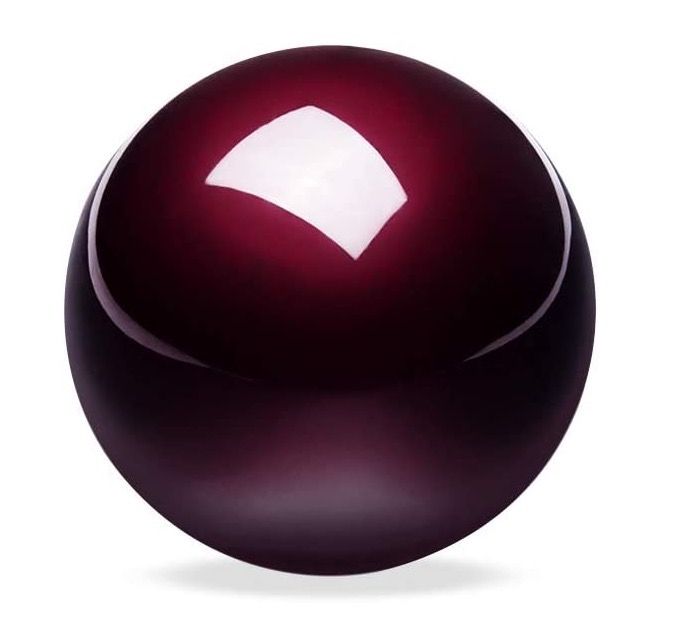
Logitech
Ball from the Trackman Marble Plus T-CL13 (or T-BB13) mouse.
Software options
20 Sep 2026 revisited, this time for the software rather than the ball.
The desk changed. Three machines share it now: the Mac Studio, the Mac mini running Omarchy (Linux, Wayland), and the Kaltura MacBook Pro. The keyboard and the monitor already follow a single keypress (see One Keyboard, Three Macs, No KVM). The trackball is the last thing still switching by hand, and it still runs the old Logi Options, which Logitech has ended support for.
One naming point, because my own notes disagree with each other: Logitech's line reads MX Ergo, MX Ergo Plus, MX Ergo S. There is no "MX Ergo 2", so what's on the desk is the original, the spare I brought out in 2023.
What I run today
| Device | MX Ergo over Bluetooth, 2 machines paired |
| Switching | Easy-Switch button on the base |
| Software | Logi Options, the legacy app, now end of support |
| On the Linux mini | Nothing. Logitech ships no Linux software |
Easy-Switch works, costs nothing and never depends on the network. It also means a button press per switch, and the clipboard stays behind.
Logitech Flow
Flow is the same switch, moved into the cursor. Push the pointer past the screen edge and it lands on the other machine. Copy on one, paste on the other, files included.
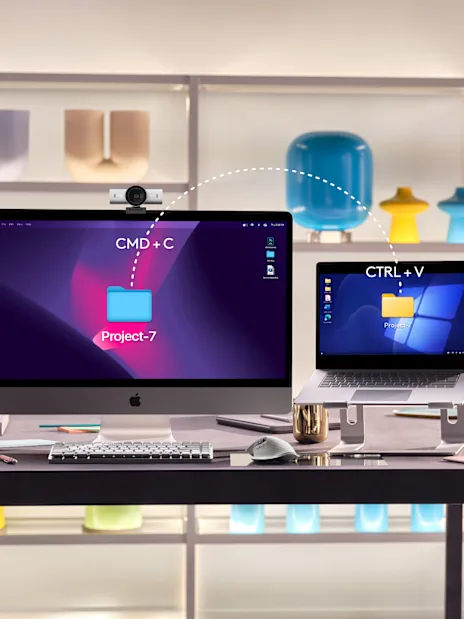
The requirements are short: Logi Options+ on both computers, both on the same Wi-Fi or Ethernet network, Windows 10 or later, macOS 14 or later. Logitech's own product page calls the MX Ergo "Flow-enabled" for 2 computers.
Where it fits here, and where it doesn't:
- 2 computers, not 3. The MX Ergo pairs with 2 machines, so Flow covers the Studio and one other.
- No Linux client. Options+ is Windows and macOS only. The Omarchy mini is out, and no setting changes that.
- Options+ on a work laptop. The Kaltura MacBook has to be allowed to run it. That's an IT question, not a technical one.
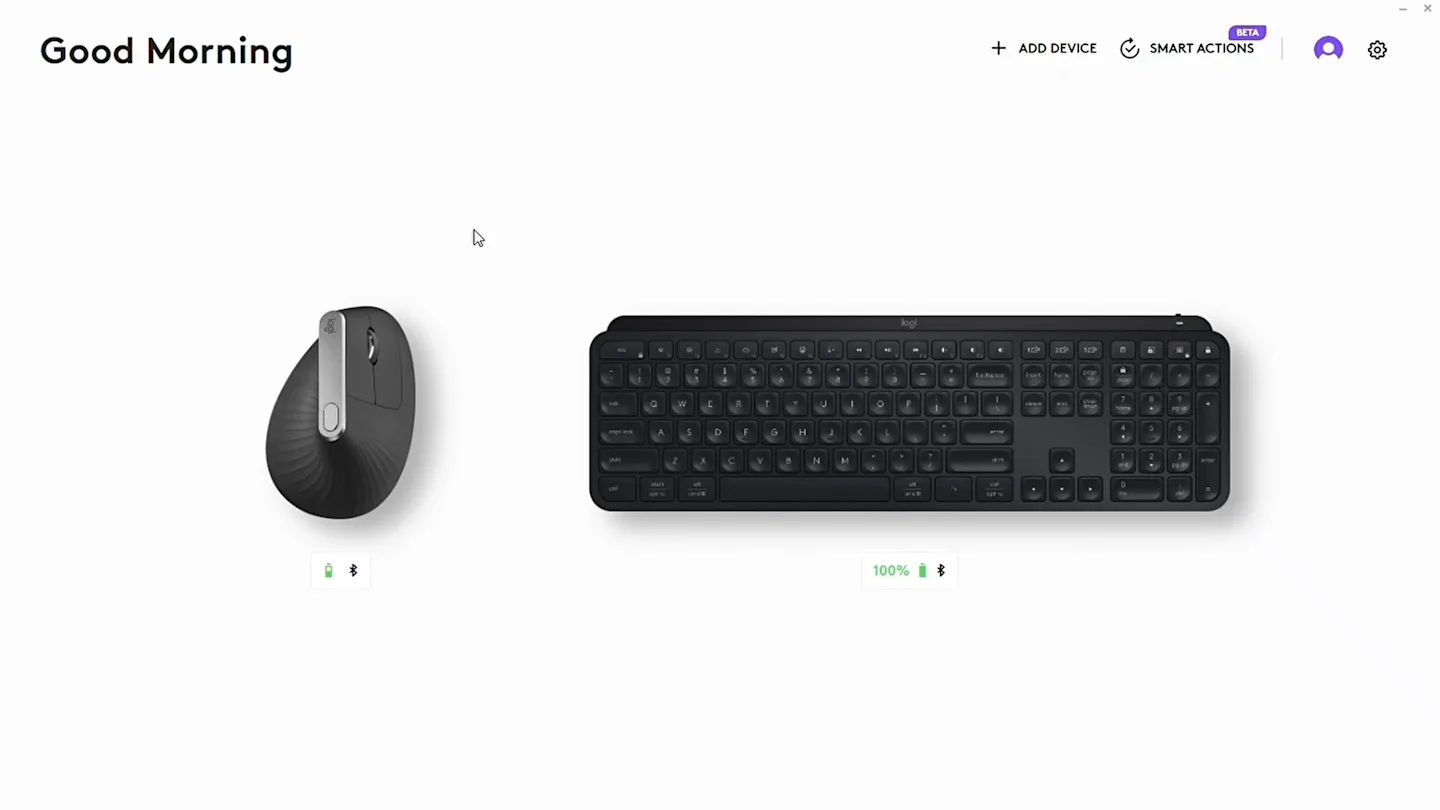
- The legacy app has to go. Flow lives in Options+, and Logitech has ended support for the Options version I still use.
The alternatives
| Tool | Reaches | Cost | The catch |
|---|---|---|---|
| Easy-Switch (today) | 2 paired machines | Free | A button press, and no clipboard |
| Logitech Flow | 2 computers, macOS + Windows | Free | No Linux, Options+ on both ends |
| Deskflow | macOS, Linux, Windows | Free, GPL | Some features break on Wayland |
| LAN Mouse | Wayland, macOS, Windows | Free, GPL | Young, clipboard still missing |
| Synergy 3 | macOS, Linux, Windows | Paid | Closed source, same lineage |
| Universal Control | Macs and iPads | Free | Same Apple Account on both ends |
Deskflow is the open-source core that Synergy builds on and funds. macOS 13 or later, Linux including Wayland, with the project's own warning that some features may be unavailable or broken there.
LAN Mouse is the Wayland-first option, written in Rust, and the closest thing to Universal Control for a mixed desk: GNOME 45+, KDE Plasma 6.1+, Sway, Hyprland, plus macOS and Windows. It uses UDP 4242 by default. Clipboard sharing is still on the roadmap and X11 capture isn't finished, so it's the interesting one rather than the safe one.
Universal Control is free and already on both Macs, but it needs the same Apple Account with 2-factor on each end. A company-managed MacBook usually ends that idea.
The Linux gap
Options+ has no Linux build, so on Omarchy the trackball is a plain pointer until something else configures it:
- Solaar manages Logitech devices on Linux over receivers, USB and Bluetooth. It leaves Bluetooth pairing itself to the OS.
- logiops is a HID++ daemon for button and gesture tuning, and lists the MX Ergo among supported devices. It doesn't manage receivers.
One practical detail: the mini has every port closed. Every network tool above needs an inbound port open on whichever machine runs the server half, so that firewall rule is step one, not an afterthought.
What I'd do
- Move the Macs to Options+. The legacy app is finished, and Flow exists nowhere else.
- Turn Flow on between the Mac Studio and whichever second Mac is allowed to run Options+.
- Don't wait for Logitech on the mini. LAN Mouse for the Wayland-native path, Deskflow for the mature one.
- Keep Easy-Switch as the fallback. It still works on the day the network doesn't.
Further reading