

/brag is an agent skill that makes a launch video for whatever you just built. You type /brag inside a project, and the agent reads the code, works out the story, and renders a video of about 20 seconds with music, motion and a caption ready to post.
The pitch is in the tagline: you built it, now brag. Building got fast with AI agents, and /brag aims to make the launch video just as fast.
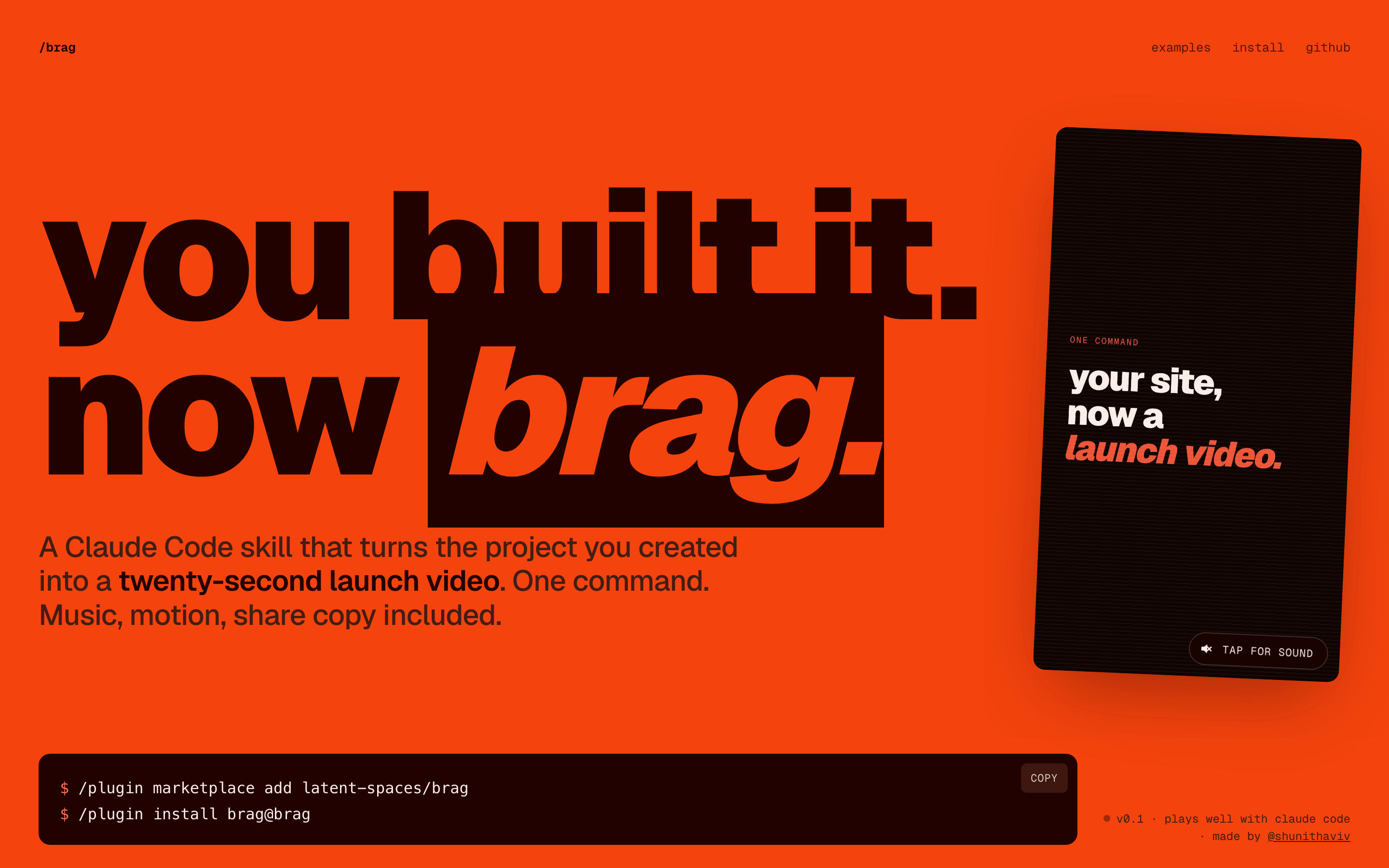
| Maker | latent-spaces, made by @shunithaviv |
| Licence | MIT |
| Language | Skill instructions in Markdown, with Python and JavaScript helpers |
| Created | 16th June 2026 |
| Traction | 8,794 stars, 606 forks |
| Works with | Claude Code, Codex CLI, opencode, Google Antigravity, and any agent that reads skills |
The demo
The video below was made by /brag about its own repository:
The launch site also shows videos for fake products built as test cases, such as a dating app for horses and a flight school for fish.
For business people
The problem: a product nobody sees doesn't exist. A short video is the best format for a launch post, but making one means storyboarding, recording, editing, music and captions.
What /brag does:
- Reads the product itself. It pulls the real interface, colours, fonts and copy from the code, so the video shows the actual product, not stock visuals.
- Writes the story. A hook in the first 2 seconds, 2 or 3 highlights, and a punchline. It must make sense to a stranger after 1 viewing.
- Delivers everything to post. The video, a plan of the scenes, and a share caption.
- Takes direction. A tone in plain words, such as "fake Series A launch from 2016", changes the whole feel.
The rules it follows are the useful part. 15 to 25 seconds. Every line on screen stays up long enough to read, about 0.3 seconds per word. No generic phrases like "streamline your workflow". No invented numbers or testimonials. Every frozen frame should be worth posting.
The limits:
- It's built for software projects and websites. It can't film a physical product.
- The quality depends on the model and on what's in your project to show.
- Voiceover is off by default. It's available with
--voice, using the Kokoro voice model.
For technical people
2 versions
| /brag | /brag-slim | |
|---|---|---|
| Rendering | HeyGen's HyperFrames builds and renders the video from a brief | The model builds and renders it with the tools on the machine |
| Assets | Bundled music and sound effects | None bundled |
| Designed for | Any capable model | Claude Opus 5.5 |
| Needs | Node.js 22+, FFmpeg, the HyperFrames CLI | FFmpeg and whatever tools are installed |
On Opus 5.5, /brag switches to /brag-slim automatically. /brag --full keeps the HyperFrames workflow.
Install
In Claude Code, as a plugin:
/plugin marketplace add latent-spaces/brag
/plugin install brag@brag
For other agents, with the skills CLI:
npx skills add https://github.com/latent-spaces/brag --skill brag        # add -g for all projects
npx skills add https://github.com/latent-spaces/brag --skill brag-slim
The repository exposes the skill at each agent's standard folder through symlinks, so Codex, opencode and Antigravity find it without extra setup.
Use
let's /brag
/brag --tone "fake Series A launch from 2016"
/brag-slim https://example.com --format vertical --duration 15
The output lands in brag-output/: brag-plan.md with the storyboard, a composition brief, the share copy and brag.mp4. /brag-slim also takes a website URL instead of a project, and renders landscape, vertical or square.
Value
I already make motion-graphics videos with HyperFrames through my own create-video skill (see The NicAI skills catalogue ), so /brag lands on a known stack. What it adds is the part I find hardest: the story. Its creative rules, the hook first, real UI over mock-ups, text that stays on screen long enough to read, no invented claims, are worth copying into my own video skill even if I never run /brag itself.
The obvious use: a 20-second video for every lab project or tool I publish, as the first thing in the LinkedIn post.
Further Reading
