

06 Oct 2026
From the makers of TablePlus, the database app I love and have used every day for the last 6 years (see TablePlus ). That alone made me take VMPal seriously.
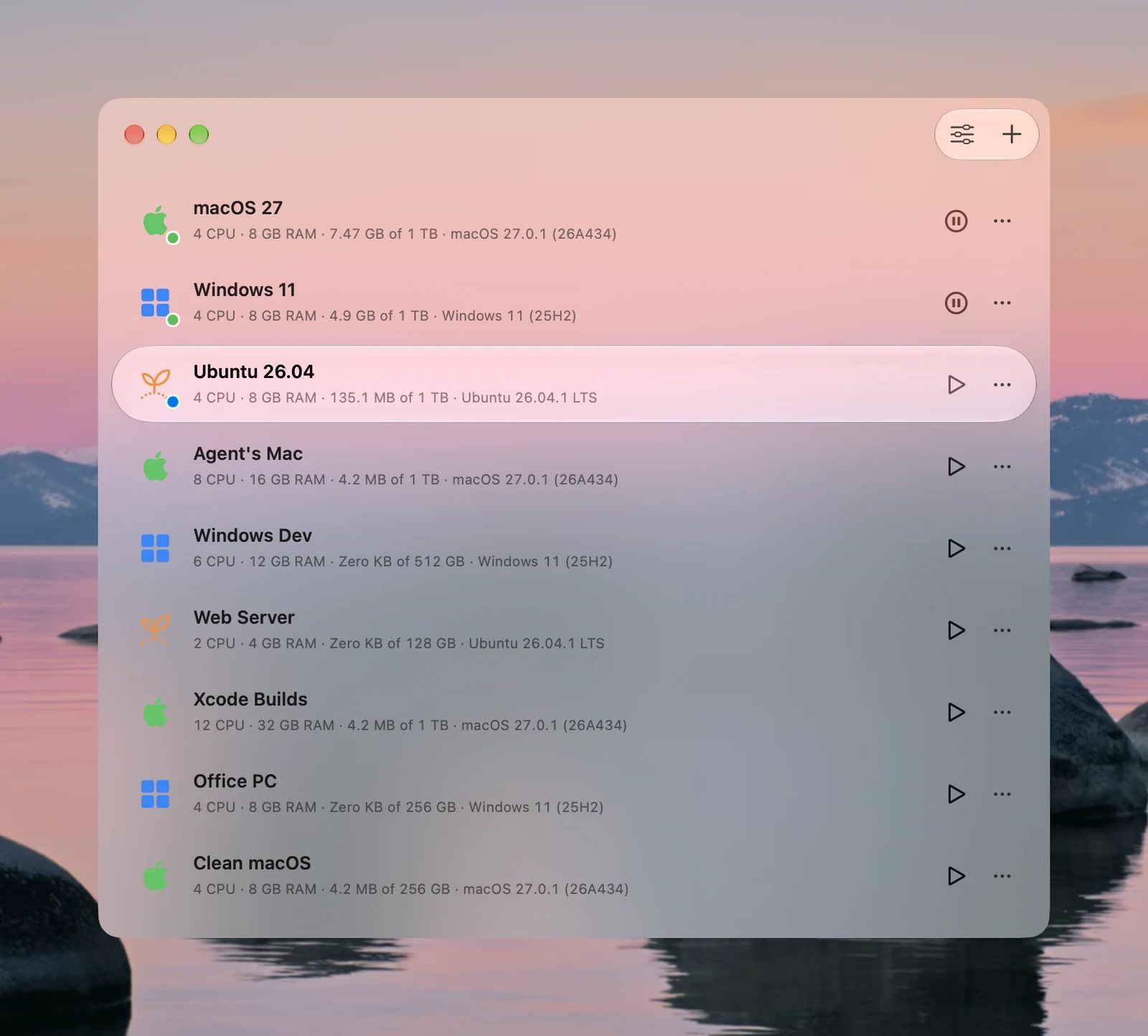
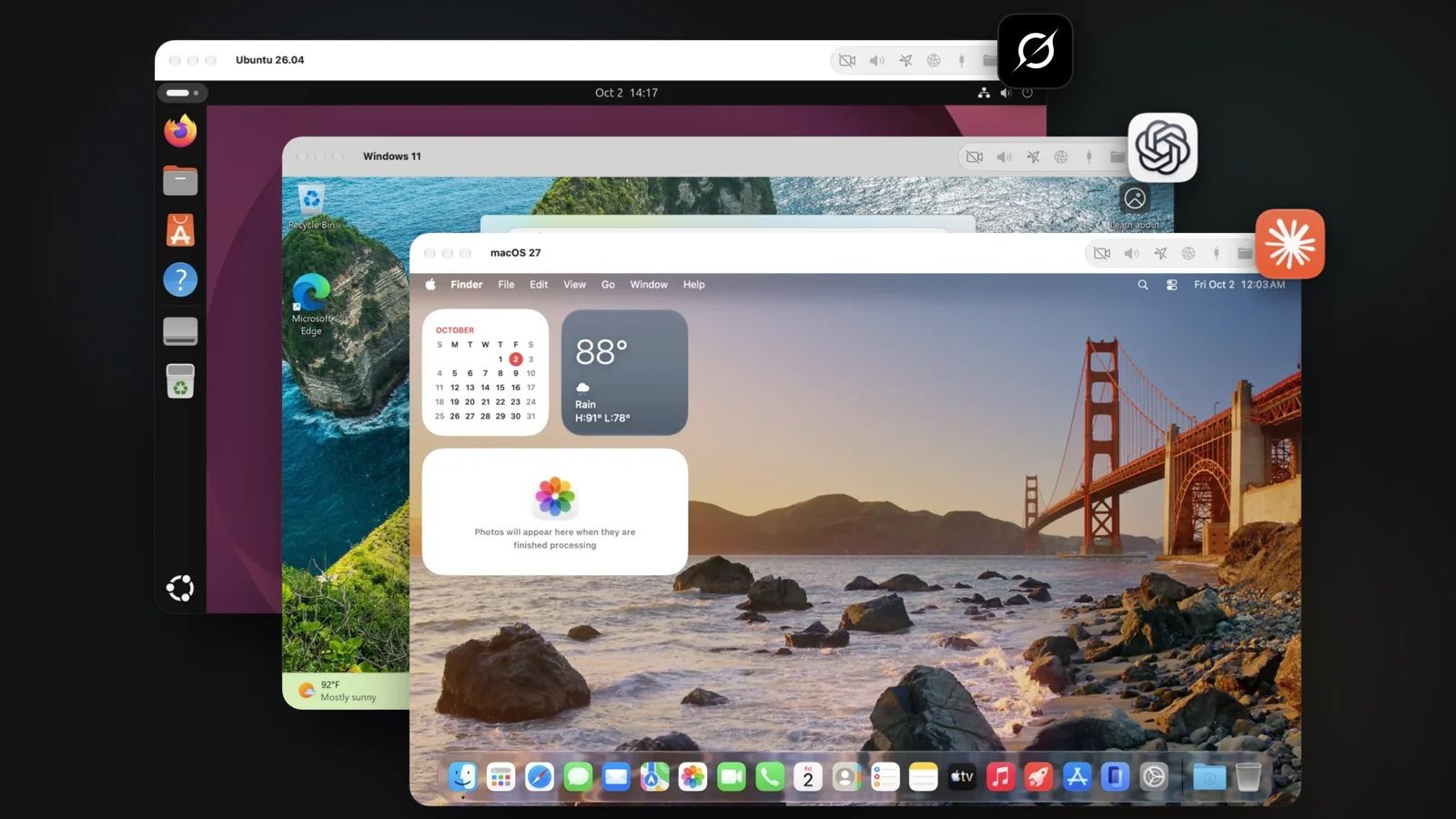
VMPal runs virtual machines on an Apple Silicon Mac: macOS, Windows 11 and Linux, side by side, each with GPU acceleration. What makes it different from Parallels or UTM is the second half of its pitch: it's built for AI agents. A built-in MCP server lets Claude Code or Codex see the VM's screen, control it and run commands, so an agent can work in its own machine instead of on yours.
TablePlus launched it on 6th October 2026.
| Maker | TablePlus Inc., Toronto |
| Released | 6th October 2026, version 1 |
| Host | Apple Silicon Mac, macOS 26 or later |
| Guests | macOS (macOS 27 needs a macOS 27 host), Windows 11, Ubuntu and Fedora |
| Engines | Apple's Virtualization framework for macOS and Linux, VMPal's own engine for Windows |
| Price | $69 once for 1 Mac, $34.50 at the launch discount, 1 year of updates included |
| Trial | Free trial, currently without limits |
The launch video
Video: TablePlus, from their launch post on X.
What it does
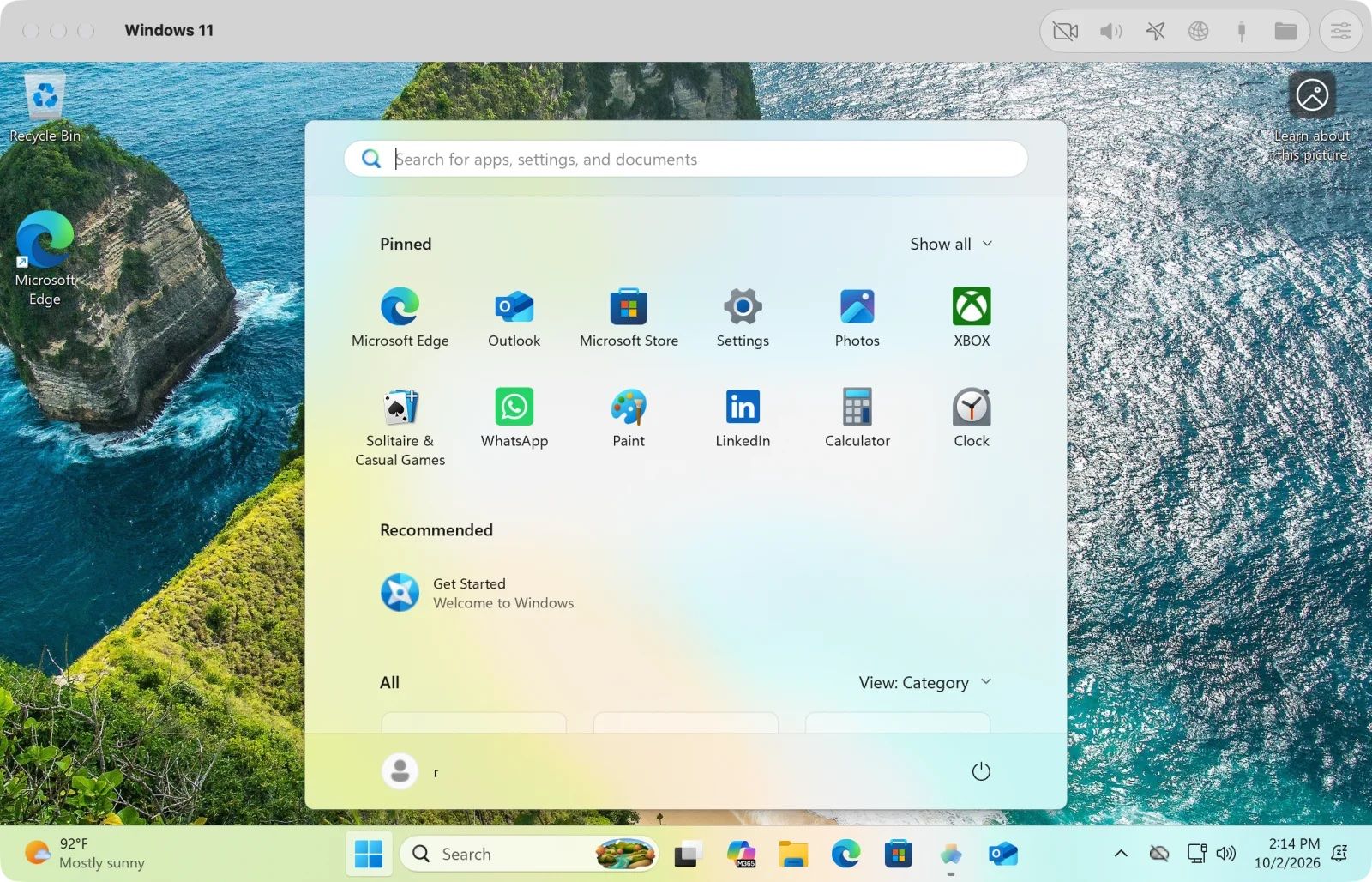
- 3 operating systems. macOS with Metal GPU support and guest tools, Windows 11 with TPM 2.0, USB devices and displays up to 5K, and Ubuntu or Fedora set up in minutes, with Rosetta to run Intel Linux programs.
- GPU acceleration in every guest.
- Snapshots of a running or stopped VM, restored in seconds. Each snapshot only stores what changed.
- Integration with the Mac: shared clipboard, including files, drag and drop, Mac folders visible inside the VM, and port forwarding for web servers and SSH.
- Import from Parallels in a few clicks.
- For AI agents: a built-in MCP server, added to Claude Code, Codex, Grok CLI or Gemini CLI in 1 click. The agent can see the screen, click, type and run commands inside the VM, with no macOS permission prompts on your own Mac.
For business people
The problem: AI agents are most useful when they can use a computer: click through apps, install things, test software. Letting them do that on your own Mac is risky. One wrong command, and your files or settings are gone.
What VMPal changes: each agent gets its own Mac, Windows or Linux machine, inside a window. If it breaks something, you roll back a snapshot. It also covers the classic needs: running Windows software on a Mac, or keeping a clean test machine.
Costs: a one-time licence, no subscription. $69 for 1 Mac at the regular price, $99 per seat for teams of 3 or more, and $59 per seat a year to keep receiving updates after year 1. The software keeps working if you don't renew.
The limits:
- Version 1. Brand new, from a team new to virtualisation.
- Recent macOS only: the host needs macOS 26, and a macOS 27 guest needs a macOS 27 host.
- Apple's licence rules cap how many macOS VMs can run at once on 1 Mac, whatever the app.
How it compares
| App | Price | Strength |
|---|---|---|
| VMPal | $69 once | Built-in MCP for agents, snapshots, Windows and Linux with GPU |
| Parallels Desktop | Subscription | The established choice for Windows on a Mac |
| UTM | Free, open source | Flexible, also emulates other CPU types |
| Tart | Free for small use | macOS and Linux VMs from the command line, for CI |
| OrbStack | Free for personal use | Fast Linux machines and Docker, no Windows or macOS |
For technical people
- Hypervisor: macOS and Linux guests run on Apple's
Virtualization.framework. Windows runs on VMPal's own engine. Both use the Mac's GPU. - Agent access: the MCP server exposes the VM's screen, input and a command runner. It works from an agent on the Mac, or from an agent running inside the VM.
- Snapshots are copy-on-write: only the blocks that change take disk space.
- Networking: port forwarding maps VM ports to the Mac for web servers and SSH.
- Rosetta in Linux guests runs x86 binaries.
Value
This answers 2 things I noted recently. Mantis says to run its security pipeline only on an isolated machine (see Mantis ), and boxd sells cloud VMs so agents get their own computer (see boxd ). VMPal is the local version: an agent gets a sandboxed Mac or Linux box on my Mac Studio, with a snapshot to roll back to, and Claude Code drives it through MCP.
At $34.50 during the launch offer, it's worth testing on that 1 job: give an agent a disposable machine for anything I don't want touching my real setup.
Giving an agent a whole computer
07 Oct 2026 from the launch-day blog post by Huy Pham of TablePlus: why the agent features exist and how to switch them on.
The problem: agents hit a wall
An agent can write code, run tests and fix bugs in a terminal. The moment it tries to use the computer like a person, the operating system stops it and asks for a human:
- Accessibility access in Privacy & Security, before it can click and type.
- Screen Recording access, before it can see the screen.
- A password for
sudo, or a Yes on the Windows User Account Control prompt. - A dialog that only a person can click.
That's the right behaviour for your own Mac. It also means the agent only works while you sit there approving prompts.
What the agent gets in a VMPal machine
| Capability | How, without the usual prompt |
|---|---|
| The screen | Sees the VM's display directly. No Screen Recording permission |
| Mouse and keyboard | Clicks, drags, scrolls, types and uses shortcuts through the VM's own input. No Accessibility permission |
| Administrator rights | Runs commands as the user or as admin. No sudo password, no UAC prompt |
| A direct line | Connects through VMPal. No SSH, VNC or remote desktop to set up |
You approve once, when you connect the agent. After that it works alone.
Set it up
- Open the machine's Settings > AI Agents.
- Turn on Allow agent control of this VM.
- Choose where the agent runs:
- Agent on This Mac: the agent stays on your Mac and drives the VM from there. Connect several machines, and it can use each one. The VM only needs to be running.
- Agent Inside the VM: the agent lives in the VM with its own files and tools. Start the VM, sign in and install the agent there first.
- Click Add to Claude Code, or the button for Codex, Grok CLI or Gemini CLI.
- Restart the agent and give it a task.
In a macOS VM, connecting the first agent asks once for the VM's administrator password.
Why full control is safe here
- It only gets its machine. Never your Mac's screen, mouse or keyboard. Your files stay out unless you share a folder.
- Off by default. Agent control is switched on machine by machine. Switch it off, and the agent stops at once.
- Undo. Take a snapshot before a big task and revert if it goes wrong.
- You set the reach. The agent sees only the network and folders you give the VM.
For me, Agent on This Mac is the right mode. Claude Code stays on the Mac Studio with my skills and tools, and drives a disposable VM for anything risky, with a snapshot taken first.
Further Reading
