

Space is a cloud filesystem that looks like a normal drive on your Mac. Files sit in the cloud, but they appear in Finder and open in any app as if they were local. Space streams only the parts of a file an app actually reads, so a 24 GB video uses zero bytes on disk until you play it.
The pitch in 1 line: terabytes of files on any computer, one drive shared by you, your team and your AI agents.
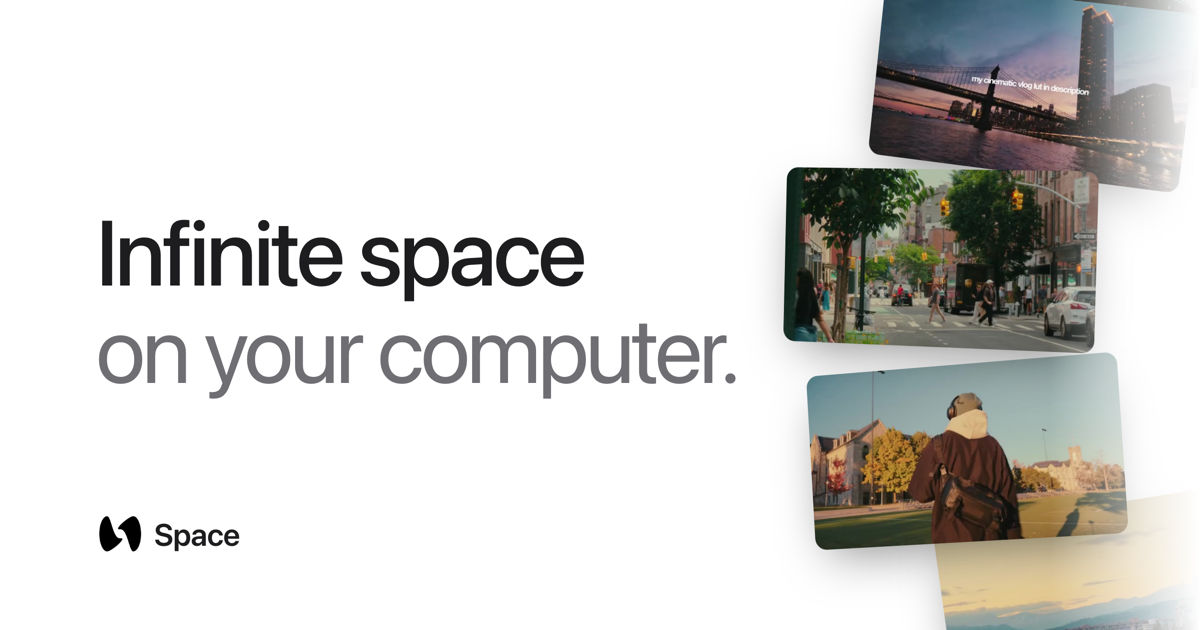
The demo
Co-founder Jason Zhao launched it on X on 21st September 2026, with a 78-second demo: "this video doesn't exist on my laptop, but I can still access, edit, and drag it into any app, without downloading it first."
this video doesn’t exist on my laptop
— Jason Zhao (@byjasonz) September 21, 2026
but I can still access, edit, and drag it into any app, without downloading it first
introducing Space: the infinite filesystem
Overview
| Maker | Space Computer, Inc., San Francisco |
| Founders | Matthew Ao (CEO), Arihant Bapna (CTO), Jason Zhao (COO) |
| Platforms | macOS and Linux. Windows is "coming soon" |
| Price | From $15 a month for 1 TB, 7-day trial |
| Stage | Early: desktop app version 0.1, updated almost daily in September 2026 |
| Funding | $2.4M pre-seed led by a16z speedrun, August 2026 |
The idea came from Jason Zhao's own problem: dozens of terabytes of footage from a decade of filming his life for YouTube, spread across hard drives. The team built the first prototype in November 2025, according to the funding announcement.
For business people
The problem: big files are slow to move. Video, 3D, CAD and game assets run to gigabytes each. Cloud drives like Dropbox either download everything, which fills the laptop, or keep files online-only, which means waiting for a full download before an app can open one. Teams end up shipping SSDs around.
What Space changes:
- Files open straight away. An app asks for bytes, Space streams those bytes. Nothing downloads in full.
- Saves reach everyone in seconds. Every computer connected to the same drive sees the change.
- No plugins. Premiere, Blender, Revit, AutoCAD and Excel see a normal drive.
- Nothing gets lost. Every change is a version, and a whole drive can be forked, copied instantly without duplicating data.
- Agents share the same drive. An AI agent's save shows up on every connected machine, like a teammate's.
Who it targets: film and video teams, architecture and engineering firms, game studios, and knowledge workers running agents. The Enterprise plan runs on your own cloud or S3-compatible storage, with SSO and audit logs.
Pricing
| Plan | Price | Storage | For |
|---|---|---|---|
| Individual | $15 a month, or $180 a year | 1 TB, plus $6 a month per extra 500 GB | 1 person, all their computers |
| Teams | $30 per member a month, or $360 a year | 1 TB pooled per member, plus $12 a month per 500 GB | Shared workspaces, access controls |
| Enterprise | Custom | Your own storage | SSO/SAML, private cloud, audit and compliance |
Prices are in US dollars.
The limits:
- It needs a good connection. Streaming is the whole point. The site doesn't say how much of a file stays cached, or what happens offline.
- It's very young. The desktop app is at version 0.1, the company raised its first round in August 2026, and the docs don't yet say how the drive plugs into macOS.
- Your files live with a startup. For client or sensitive material, the Enterprise option on your own storage is the safer shape.
For technical people
The developer side is more documented than the desktop app. The docs describe a storage layer built for agents:
- S3-compatible. SDKs in TypeScript, Python, Go and Rust, and standard tools like the AWS CLI work against it.
- Shards. Files split into content-defined chunks of about 2 MiB, named by their SHA-256 hash. Changing 4 KiB in a 64 MiB file writes 1 shard, not 32.
- In-place edits. Write at an offset, insert bytes or apply a patch, without the download, edit and re-upload cycle. The docs measure it 11 times faster than a re-upload for a 4 KiB change in a 64 MiB file.
- Versions. Every change is 1 immutable version, even a rename of a folder with a million files. Restoring an old version deletes nothing.
- Forks. A fork starts as the same list of shards, so it copies nothing and is ready at once, whatever the drive size.
- Preconditions instead of locks. A write can require a version (
if_version). If someone else wrote first, it fails with a 412 and returns the winning version.
The agent pattern the docs recommend: fork the drive, give the agent a key that can only write to that fork, let it edit, review the result, then keep or delete the fork. The permission is enforced by the server, not by a prompt. The docs also publish llms.txt and llms-full.txt so an agent can read the full reference itself.
How it compares
- Dropbox, iCloud, Google Drive: sync whole files. Online-only files must download in full before they open. No drive forks.
- LucidLink: the closest match, a streaming filesystem aimed at video and creative teams. Space pitches its agent layer as the difference: forks, scoped keys and in-place edits through an S3 API.
- A NAS: fast on the local network, but you're the one keeping it running, and remote access is slower.
My take
The demo hits a real pain. Video footage is exactly what fills my drives and my NAS. The agent angle is the more interesting part for me: an agent working on an instant fork of a drive, with a key that can't touch the original, is a clean safety pattern. It's the storage version of letting an agent work on a git branch.
But it's a 0.1 product from a small team, and the docs don't yet say how it behaves offline or where the data sits by default. I'd test it on footage I already have backed up, not on the only copy.
Further Reading
