Moom | Window management

keyboard controlled window management (retired Sep 2026, replaced by Amethyst)

21 Sep 2026 update: I no longer use Moom. I uninstalled it today, and Amethyst is now my only window manager.

I moved to Amethyst in May 2024 but kept Moom installed. Both apps used Cmd Shift 4: whenever Moom was open, that shortcut threw the window to the top third of the screen, then Amethyst snapped it back into its tile.


18 Jul 2022

Used for the last 5-6 years:

"Moom: Bringing order to chaos since 2011"
https://manytricks.com/moom/
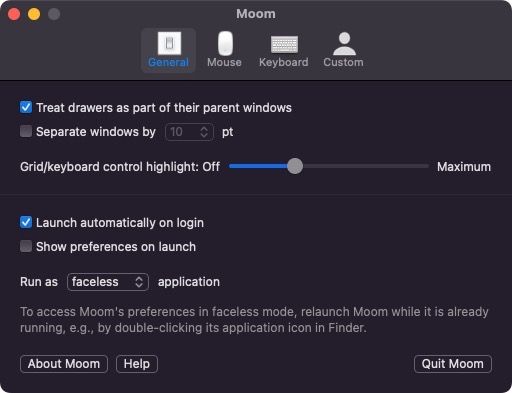
Moom General preferences: launch at login, run as a faceless application

Moom Mouse preferences: controls pop up over the green Zoom button, with a 9 x 9 hexagon grid

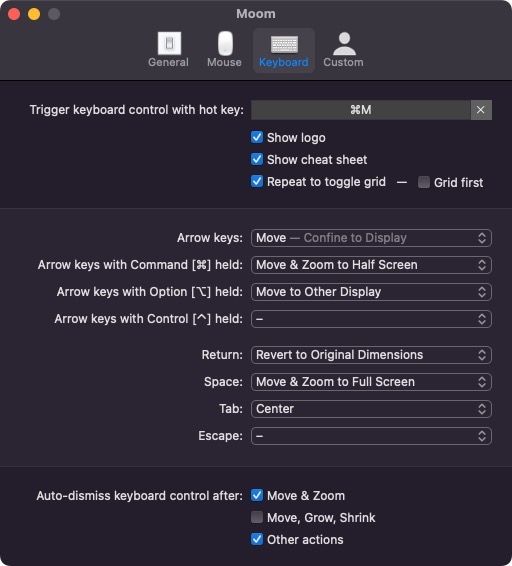
Moom Keyboard preferences: Cmd+M starts keyboard control, with actions on the arrow keys

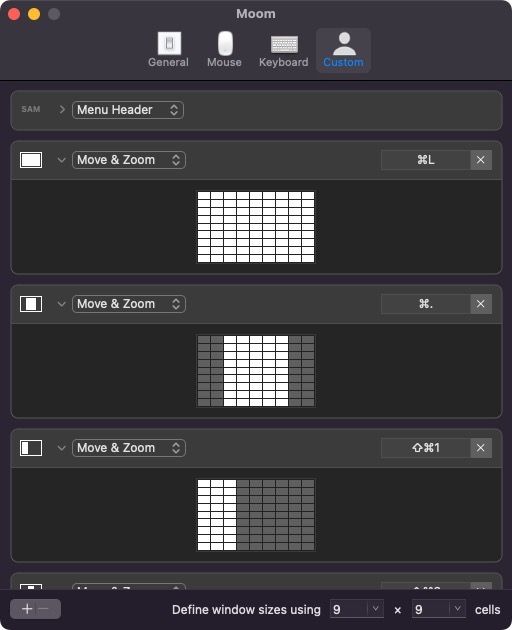
Moom Custom controls: Move and Zoom presets on Cmd+L, Cmd+. and Shift+Cmd+1

See Nic Note: Keyboard Shortcuts.