

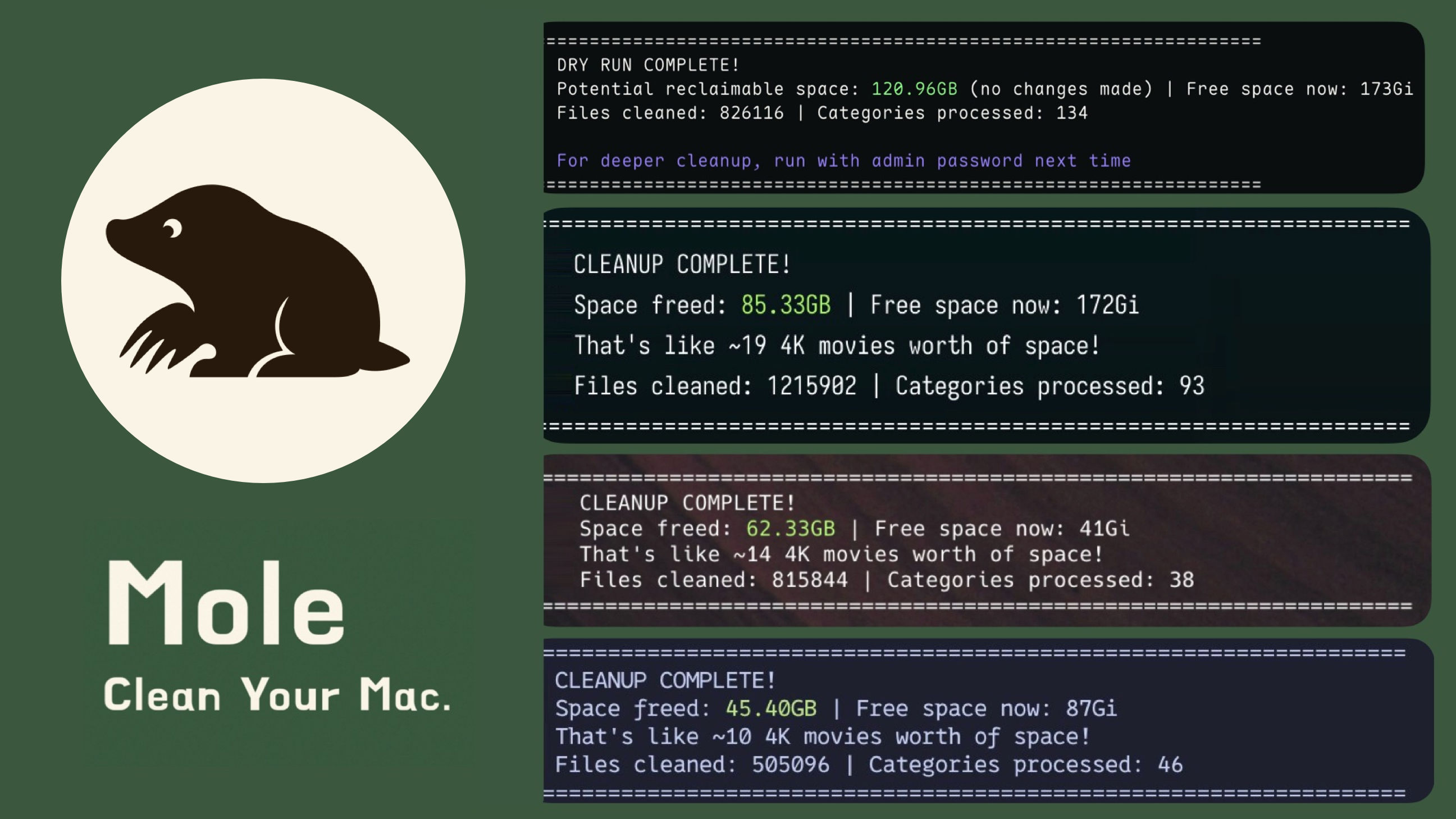
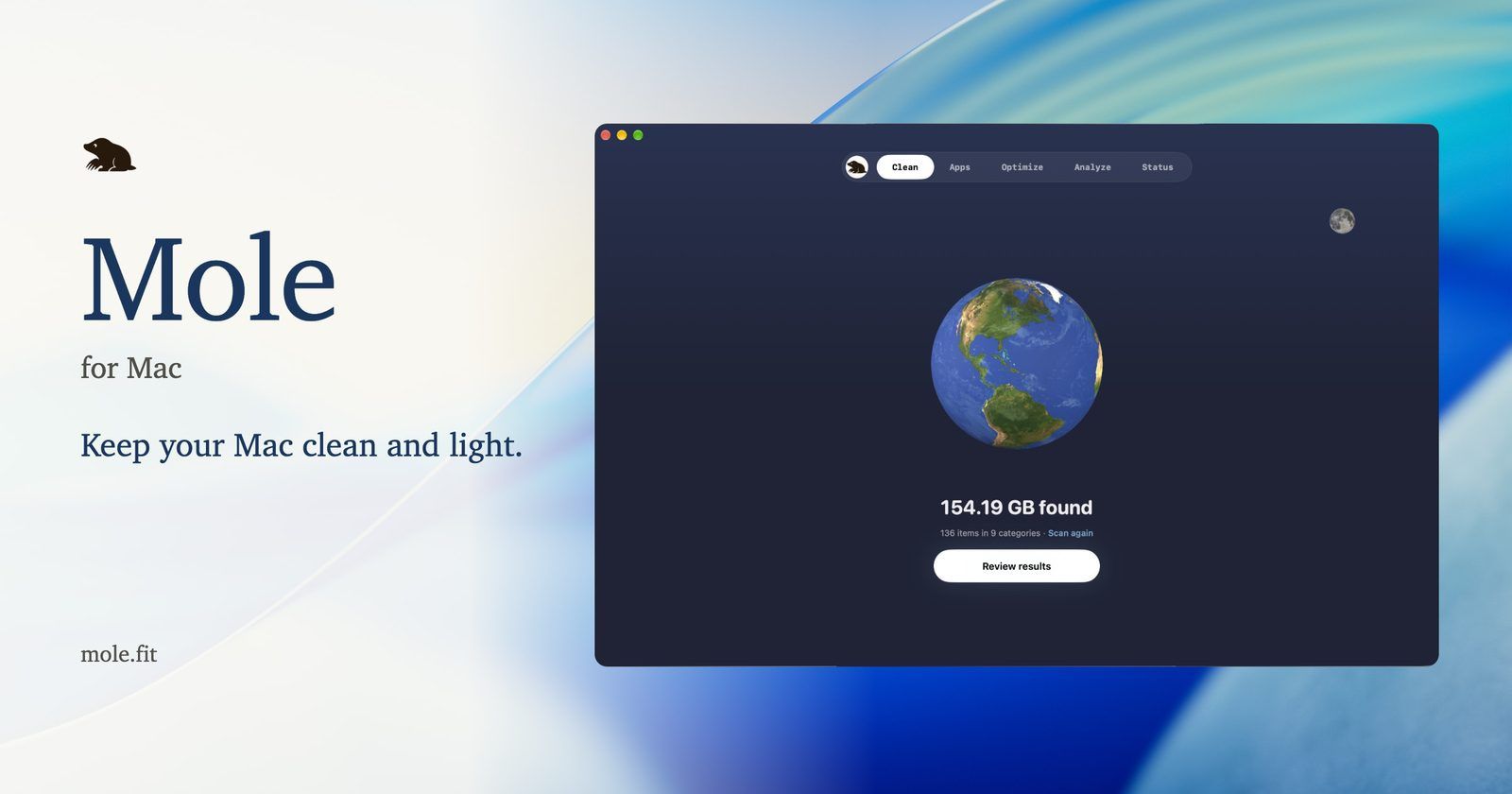
Mole is a Mac maintenance tool from the indie developer Tw93. It comes in 2 forms:
- the Mole CLI, a terminal command called
mo, free and open source under GPL-3.0 - Mole for Mac, a separate native app with a GUI, $19 one-time
This note is about the CLI, the one I use. In 1 command it covers what I used to need several apps for: CleanMyMac for cleanup, AppCleaner for uninstalls, DaisyDisk for disk space and iStat Menus for live stats.
Key facts
| Maker | Tw93, an indie developer, also behind the Kaku terminal |
| Licence | GPL-3.0, free. The Mac app is a separate, commercial product |
| Language | Shell and Go |
| Platforms | macOS 12 or later, Apple Silicon and Intel. A Windows CLI ships from a separate branch |
| Started | 23rd September 2025 |
| Traction | 70,200 GitHub stars and 2,488 forks on 13th October 2026 |
| Latest | V1.59.1, 10th October 2026, the 3rd release in 6 days |
| Install | brew install mole |
What it does
Run mo alone for an interactive menu, or call a command directly:
| Command | What it does |
|---|---|
mo clean |
Removes caches, logs, temp files, developer caches and leftovers of old apps |
mo uninstall |
Removes an app with its LaunchAgents, preferences and other related files |
mo optimize |
Runs maintenance: rebuilds caches and databases, refreshes macOS services |
mo analyze |
Disk explorer in the terminal, with Vim keys, filters and moves to the Trash |
mo status |
Live dashboard: CPU, memory, disk, network, battery, thermals, health score |
mo purge |
Deletes rebuildable project folders such as node_modules, build, dist |
mo installer |
Finds old DMG, PKG, ISO and ZIP installers in Downloads, Desktop and caches |
mo touchid |
Lets Touch ID approve sudo in the terminal |
mo history |
Lists what Mole deleted, with paths and sizes |
3 things set it apart from the usual cleaner:
--dry-runon every destructive command. You see the full list before anything goes. A dry run ofmo cleanalso writes the candidate paths to~/.config/mole/clean-list.txt.--jsonoutput onanalyze,statusandhistory. Scripts and AI agents can read the results directly. Mole even publishes an agent skill for coding agents.- It skips what it can't prove is safe.
mo optimizeandmo cleanreport each skipped item with the reason, for example "pnpm busy".
Mole CLI, Mole for Mac or CleanMyMac
| Mole CLI | Mole for Mac | CleanMyMac | |
|---|---|---|---|
| Price | Free | $19 one-time, 2 Macs | Subscription, about $40 a year |
| Licence | GPL-3.0, open source | Commercial | Commercial |
| Interface | Terminal | GUI and menu bar | GUI and menu bar |
| Preview first | --dry-run |
Review screen | Review screen |
| Scriptable | Yes, JSON output | No | No |
| Malware scan | No | No | Yes |
| Extras | purge, installer |
Fan control, app updates, privacy check | App updates, malware removal |
CleanMyMac is from MacPaw, and Setapp includes it. Mole for Mac is the closer match to it: the same jobs behind a GUI. The CLI is the better fit if you live in the terminal.
For business people
- What it solves: a Mac fills up with caches, logs, old installers and leftovers from deleted apps. Mole finds and removes them, and shows what uses the disk and the CPU.
- Cost: €0 for the CLI. It replaces a CleanMyMac subscription.
- Who it's for: anyone at ease in the Terminal. For someone who isn't, the $19 Mole for Mac app does the same jobs with buttons.
- Risks:
mo cleandeletes permanently, not to the Trash. A dry run first is the safety net.- It's young: first release in September 2025, and it changes fast.
- It isn't an antivirus. CleanMyMac's malware scan has no equivalent here.
- Fake "Mole" sites exist. The only official sources are Homebrew, the GitHub repo and mole.fit.
For technical people
Install
brew install mole
mo --version
The script install puts mo in a folder you own, so mo update never asks for a password:
curl -fsSL https://raw.githubusercontent.com/tw93/mole/main/install.sh | bash -s -- --prefix ~/.local/bin
A safe first run
mo clean --dry-run       # list what would go, write it to ~/.config/mole/clean-list.txt
mo clean --whitelist     # protect caches you want to keep, and the Trash
mo clean                 # the real run
mo history               # check what went
Files and settings
| Path or variable | Role |
|---|---|
~/.config/mole/whitelist |
Caches that mo clean never touches |
~/.config/mole/purge_paths |
Folders mo purge scans, 1 per line |
~/Library/Logs/mole/operations.log |
Log of every deletion. MO_NO_OPLOG=1 turns it off |
Gotchas
- Run it without
sudo. Mole asks for admin rights only when a task needs them. - The Trash goes too.
mo cleanempties the Trash by default. Untick Trash inmo clean --whitelistto keep it. mo purgeand Python projects. It targets rebuildable folders,venvincluded. Folders touched in the last 7 days start unselected, and folders with Git-tracked files or deploy keys are protected.mo uninstallkeeps your data. Settings and plugins stay unless you pressDin the preview. It lists shell and MCP config lines that point at the removed app, but doesn't edit them.- Agents:
mo status --jsonandmo analyze --jsonare read-only and safe for an agent to call. Keep the destructive commands for yourself. - Launchers. A setup script adds Raycast commands and Alfred workflows for clean, uninstall, optimise, analyse and status, see Alfred
My take
13 Oct 2026 I started with the Mole CLI today, and I'm amazed. I switched from CleanMyMac on the spot.
CleanMyMac served me for years, latterly through Setapp, see Setapp: macOS app subsciption for that history. Mole does the cleaning I used it for, for free, in the terminal where I already work. Every command shows its list before it deletes, and keeps a log after.
The JSON output is the bonus I didn't expect. My agents can check disk space and system health with 1 read-only call, without a GUI app in the loop.
What I'll watch:
- Permanent deletes.
mo cleanskips the Trash. Dry run first, every time. - The pace. 3 releases in 6 days. Good for fixes, but I'd rather a tool that deletes files didn't change under me every other day.
- No malware scan. That was the 1 CleanMyMac feature with no Mole equivalent. I can live without it.
Further reading

- Mole security notes, what Mole protects and its known limits
- CleanMyMac by MacPaw, the app Mole replaced for me
- Setapp: macOS app subsciption, where my CleanMyMac licence came from