

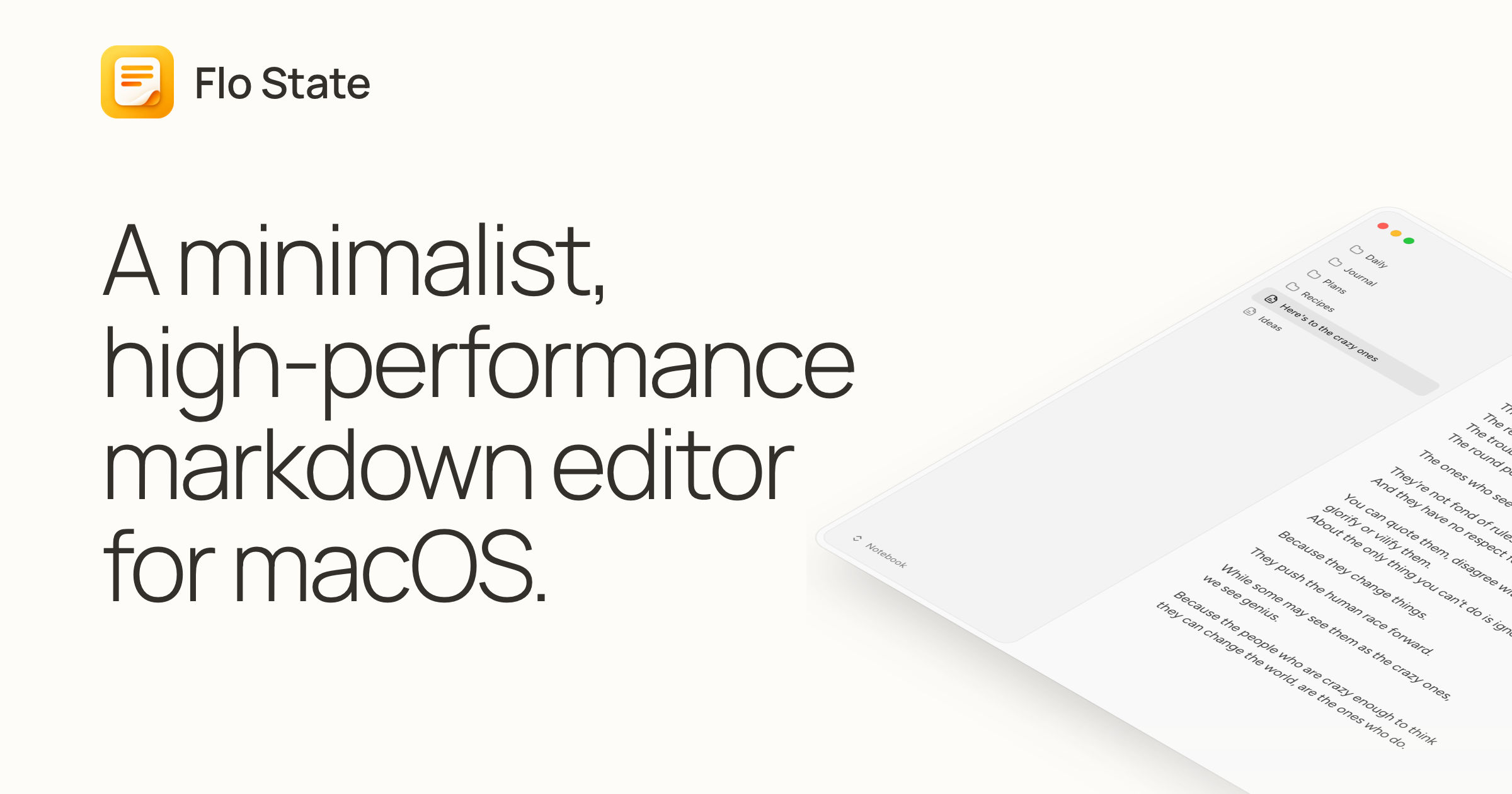
Flo State is a Markdown editor for the Mac that does very little, very fast. It's written in native Swift, with no web view and no Electron, so it opens instantly and barely touches the CPU. Your notes stay plain .md files in any folder you choose.
It's the side project of Flo Crivello, founder of the AI agent company Lindy. He released it on 26th September 2026, free, under the GPL-3.0 licence.
| Maker | Flo Crivello |
| Price | Free |
| Licence | GPL-3.0, open source |
| Language | Swift, with TextKit 2 |
| Needs | macOS 14 Sonoma or later. No Windows or Linux version planned |
| Released | 26th September 2026, version 0.1 |
| Origin | Started as a fork of writer.computer |
Why it's fast
The site measures it against 2 other editors, with a note open and the app idle:
| App | Memory | CPU while idle |
|---|---|---|
| Flo State | 51 MB | 0.0% |
| Writer | 196 MB | 3.0% |
| Notion | 1,825 MB | 14.6% |
It launches in about 0.1 seconds. These are the maker's own numbers, but the reason is structural: most note apps are web pages in a wrapper, and Flo State is a native Mac app.
Features
- Live preview. Markdown renders as you type, and the syntax shows only on the line you're editing.
- Daily notes.
⌘⇧Djumps to today's entry and adds a dated heading if it's missing. - Wiki links. Type
[[to link another note, with autocomplete, aliases, heading links and image embeds. - Heading folding to collapse long documents.
- Tables, Mermaid diagrams and LaTeX maths, rendered in place.
- Images pasted or dropped are saved to an attachments folder next to the note.
- Pinned notes at the top of the sidebar.
- Themes for light and dark mode, with your own colours and fonts.
For business people
What it is: a quiet place to write. No accounts, no cloud, no database, no subscription.
Why it matters:
- No lock-in. Every note is a
.mdfile on disk. If Flo State disappears tomorrow, the notes stay readable in any other app. - Works with what you have. An Obsidian vault is just a folder of Markdown, so you can open the same folder in Flo State. Wiki links, image embeds and front matter carry over.
- Sync is your choice. Put the folder in iCloud Drive, Dropbox or a Git repository, and it syncs like any other files.
The limits:
- Mac only, and the FAQ answers "What? No." to a Windows or Linux version.
- Version 0.1. It shipped the day before this note, with several releases in the first 24 hours. Expect rough edges.
- No plugins, graph view or mobile app are listed on the site. It's an editor, not a knowledge-management system like Obsidian (see Obsidian ).
For technical people
- Stack: Swift and TextKit 2, Apple's modern text engine. No web view, which explains the memory and CPU figures.
- Storage: a folder you pick. Scripts, Git and other editors can read and write the same files while it runs.
- Rendering: GitHub-flavoured Markdown tables, Mermaid in fenced code blocks, and KaTeX for maths.
- Source: on GitHub under GPL-3.0, so you can build it yourself or send a pull request.
Value
Everything I write lives in plain Markdown: this notebook, my knowledge bases, and every file my agents read and write. An editor that opens those folders directly, costs nothing and stays out of the way fits that setup well. Because nothing is stored in a database, my agents and Flo State can work on the same files at the same time.
It's too new to replace my main editors. I'd use it as the fast, distraction-free window onto my notes folder, and check back in a few months to see whether it keeps its focus.
Further Reading
