
13 Oct 2026 Retired. I replaced Amethyst today with Tilee, a tiling window manager I built in Hammerspoon. Amethyst took 9 s to tile a new window after a few hours of uptime. Tilee takes 0.1 s. The full story and the numbers: Tilee: my own tiling window manager in Hammerspoon.
26 May 2024


Resources
Brandon Boswell's "Mouseless MacOS Window Management: Yabai vs Amethyst" (2021, 7 minutes) is still the clearest comparison of the 2.
21 Sep 2026 the full write-up, after more than 2 years of daily use.
What Amethyst is
Amethyst is a free, open-source tiling window manager for macOS, built by Ian Ynda-Hummel and modelled on the Linux window manager xmonad. It arranges every window on a screen into a layout automatically. Open a window and the others make room; close one and they fill the gap. Nothing overlaps, and nothing needs dragging.
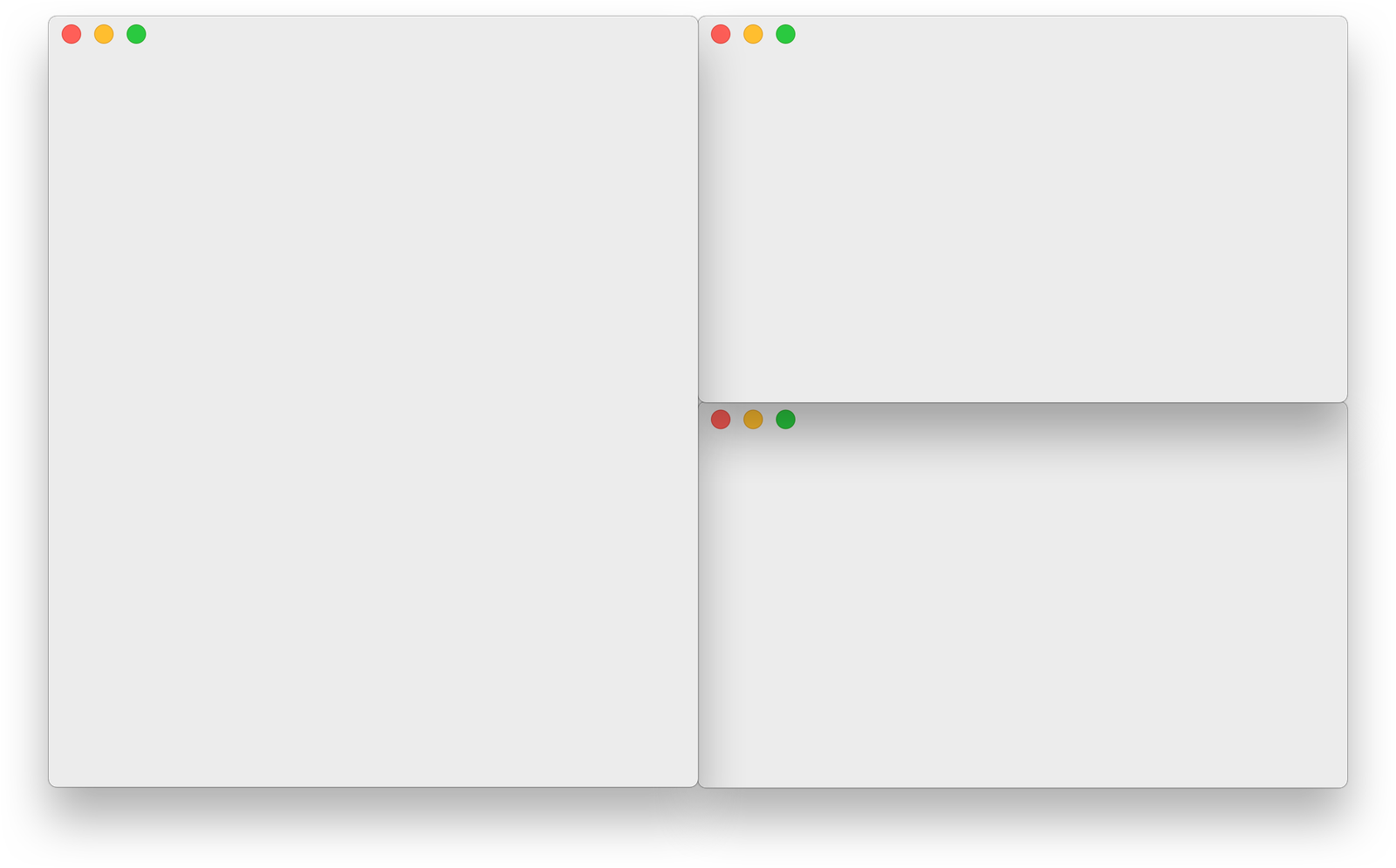
| Maker | Ian Ynda-Hummel, open source since 2013 |
| Licence | MIT, free |
| Language | Swift |
| Version | v0.24.3, 2 April 2026, the latest and the one I run |
| Traction | 16,272 GitHub stars, 295 open issues |
| Needs | macOS 10.15 or later, plus Accessibility permission |
| Install | brew install --cask amethyst |
How it works
- Layouts. Each screen runs one layout at a time, and a shortcut cycles through the ones you enable. Most layouts have a main pane for the window that matters, with the rest arranged beside it.
- 2 modifier chords. The default shortcuts sit on mod1, Option+Shift, and mod2, Ctrl+Option+Shift, mirroring xmonad.
- Native Spaces. Amethyst works with macOS Spaces rather than inventing its own workspaces, and can throw a window to a Space by number.
- No system changes. Accessibility permission is all it needs. System Integrity Protection stays on.
- Configuration. Settings live in the preferences window. A
~/.amethyst.ymlfile overrides them when present.
One macOS setting to change first, per the README: turn off Automatically rearrange Spaces based on most recent use in Mission Control, or Space numbers shuffle and every throw-to-Space shortcut lands somewhere different:
defaults write com.apple.dock workspaces-auto-swoosh -bool NO
killall Dock
My setup
5 layouts in rotation: Fullscreen, Two Pane, 3 Column Left, Grid 2x3 and Tall.
The settings that shape how it feels, read from the live preferences:
| Setting | Value | Effect |
|---|---|---|
| Mouse follows focus | On | The pointer jumps to the focused window |
| Focus follows mouse | Off | Toggle with Ctrl+Opt+Shift+X |
| New windows to main | On | A new window takes the main pane |
| Follow thrown windows | On | Throwing a window to a Space takes me with it |
| Restore layouts on launch | On | Layouts survive a relaunch |
| Window margins | 0 | Windows sit edge to edge |
| Layout HUD | On | The layout name flashes on change and on Space change |
11 apps float instead of tiling: CleanShot, SnippetsLab, Espanso, Aquarelo, 1Password, System Settings, Proton VPN, Trickster, Terminal, Ghostty and TextMate. The last 3 matter most. Hammerspoon moves them to the 1080p screen itself, and floating them stops the 2 tools fighting over the same windows.
Shortcuts
Checked against the live preferences on 21 Sep 2026. The labels match Amethyst > Preferences > Shortcuts, so each one is searchable there.
| Keys | Action |
|---|---|
| Opt+Shift+A / S / D / F | Select tall / wide / fullscreen / column layout |
| Shift+Cmd+Right / Left | Cycle layout forward / backwards |
| Opt+Shift+H / L | Shrink / expand the main pane |
| Opt+Shift+- / = | Fewer / more windows in the main pane |
| Opt+Shift+M | Focus the main window |
| Opt+Shift+Left / Right | Focus counter-clockwise / clockwise |
| Opt+Shift+P / N | Focus the previous / next screen |
| Opt+Shift+7 / 9 / 0 / 8 / G | Focus screen 1 to 5 |
| Opt+Shift+T | Float the focused window |
| Opt+Shift+Z | Re-evaluate all windows |
| Shift+Cmd+2 / 3 | Swap the window counter-clockwise / clockwise |
| Shift+Cmd+4 | Swap the window with the main window |
| Shift+Cmd+7 / 9 / 0 / 8 | Throw the window to screen 1 to 4 |
| Ctrl+Opt+Shift+1 to 0 | Throw the window to Space 1 to 10 |
| Ctrl+Opt+Shift+Left / Right | Throw the window to the Space left / right |
| Ctrl+Opt+Shift+H / L | Swap the window to the previous / next screen |
| Ctrl+Opt+Shift+T | Toggle tiling on and off |
| Ctrl+Opt+Shift+X | Toggle focus follows mouse |
| Opt+Shift+Cmd+A | Relaunch Amethyst |
Cycling layouts defaults to mod1+Space. Mine sits on Shift+Cmd+arrows.
2 loose ends worth fixing:
- 2 of the 4 select-layout shortcuts point at layouts I don't use. Opt+Shift+S and F select Wide and Column, and neither is among my 5 enabled layouts. Worth testing what they actually do, then rebinding them to Two Pane and Grid.
- The Stream Deck relaunch button misses. It sends Opt+Shift+Cmd+J, but Amethyst relaunches on Opt+Shift+Cmd+A.
What broke, and the fix
Amethyst has been solid for layouts. Its hotkeys have not always been:
| Date | What happened |
|---|---|
| 10 Aug 2026 | Display moves went to a Hammerspoon event tap, after an Edge web-app closing bug |
| 30 Aug 2026 | An F16-F19 key relay to Amethyst was dropped, because Amethyst's hotkeys weren't firing |
| 11 Sep 2026 | The hotkeys worked again. The Hammerspoon tap and the menu remaps came out |
| 21 Sep 2026 | Settings re-checked. Throw-to-screen sits on Shift+Cmd+7/9/0/8 |
Since 11 Sep 2026, Amethyst's throw-to-screen shortcuts are the only way I move a window between displays. The lesson from August: when the hotkeys die, relaunch Amethyst with Opt+Shift+Cmd+A before building a workaround. The Hammerspoon tap is backed up if it's ever needed again.
One hard limit: tiling can't shrink a window below the app's own minimum size. On the Elgato prompter screen, at 1024x600, some apps will never fit.
Alternatives
| Tool | Approach | Workspaces | System changes |
|---|---|---|---|
| Amethyst | Automatic tiling, xmonad-style | Native Spaces | None |
| yabai | Automatic BSP tiling, shell configuration | Native Spaces | SIP partly off for Space management |
| AeroSpace | Automatic i3-style tiling, TOML configuration | Its own virtual workspaces | None, by design |
| Rectangle | Manual snapping by shortcut | Native Spaces | None |
| macOS tiling | Manual: drag to an edge or use the Window menu | Native Spaces | Built into macOS 15 |
The links: yabai, AeroSpace, Rectangle, and Apple's guide to window tiling in macOS Sequoia.
Amethyst stays for 3 reasons: it needs no configuration beyond the preferences window, it uses native Spaces, which my throw-to-Space shortcuts depend on, and it never asks me to weaken system security. yabai is the step up if I ever want scriptable rules. AeroSpace only makes sense if I give up native Spaces.
13 Oct 2026 why I retired it.
Retired for Tilee
The 3 reasons to stay, in the Alternatives section, are still true. Speed outweighed them:
- It got slower every hour. A new window took 1.9 s to tile after a relaunch and 9 s after 3 hours. Hammerspoon relaunched Amethyst after every wake, which is why mornings felt better than afternoons.
- The slowness is in the design. Every window event re-reads every window on the screen and sets the frame of every tiled window, not only the ones that changed. The issue "Amethyst is extremely slow" (#1496) has been open since 2023.
- Ghost windows. Amethyst keeps its own window list, and it lost track of windows after a throw to another screen.
I replaced it with Tilee, my own tiler in Lua inside Hammerspoon: same shortcuts, 3 layouts per screen, a new window tiled in 0.1 s. Details and measurements: Tilee: my own tiling window manager in Hammerspoon.
During the first week, 1 Stream Deck key switches between the 2, so Amethyst stays installed as the fallback.