
Airtime sells four small desktop tools for people who spend their working day on camera. It is the rebranded mmhmm, the video startup Phil Libin launched in 2020, and it kept the original idea: put the presenter and the material on screen together instead of making the audience choose. The company dropped the mmhmm name on 23rd April 2025 and now ships everything under one $10/month subscription.

The four tools
| Camera | Virtual camera. Backgrounds, lighting correction, frame shapes, logos, lower thirds, GIF reactions |
| Recorder | Screen and presenter recording, up to 1 hour in HD, web or desktop |
| Creator | Presentation studio. Your slides and your face on one canvas, recorded in chapters |
| Stacks | A shared link full of materials, meant to replace screensharing |
They install separately but share one account and one price.
Camera
Camera is the one most people meet first. It installs as a virtual camera device, so any app that lets you pick a camera source picks it up: Zoom, Teams, Google Meet, Webex, OBS, a browser recorder. Inside it you set a "look": real room, blurred or virtual background, tint, pattern, your logo, a border, a custom frame shape. Presenter lighting correction fixes a badly lit desk. A hotkey toggles the effects off when you need to look normal.
The visuals library is the part that divides people. GIF reactions, thought bubbles, emoji overlays, custom away screens, all searchable and firable mid-call. Useful in a team standup, risky in a first meeting with a CFO. You can import your own and build banks of them.
Recorder
Pick presenter only, presenter plus screen share, or screen share only. It captures system audio. Editing is deliberately thin: drag the playhead handles to trim the start and end, and that is close to it. Two details are better than they sound. You can move and resize the presenter bubble after publishing, without re-recording, and viewers can double-click any region of the shared screen to zoom into it. Output is a hosted Airtime link or a downloaded .mp4. The web version needs no install.
Creator
Creator is the direct descendant of mmhmm. Import images, video, audio, PDF, Keynote, PowerPoint and GIPHYs, then design a layout where you and the slide share the stage instead of parking your head in a corner. Record the whole thing in one pass or chapter by chapter, then rearrange, trim and add overlays. Up to ten people can appear on screen together. It also carries the only real AI in the product: it organises your points as you talk, suggests follow-up angles, and writes the title and description.
Stacks
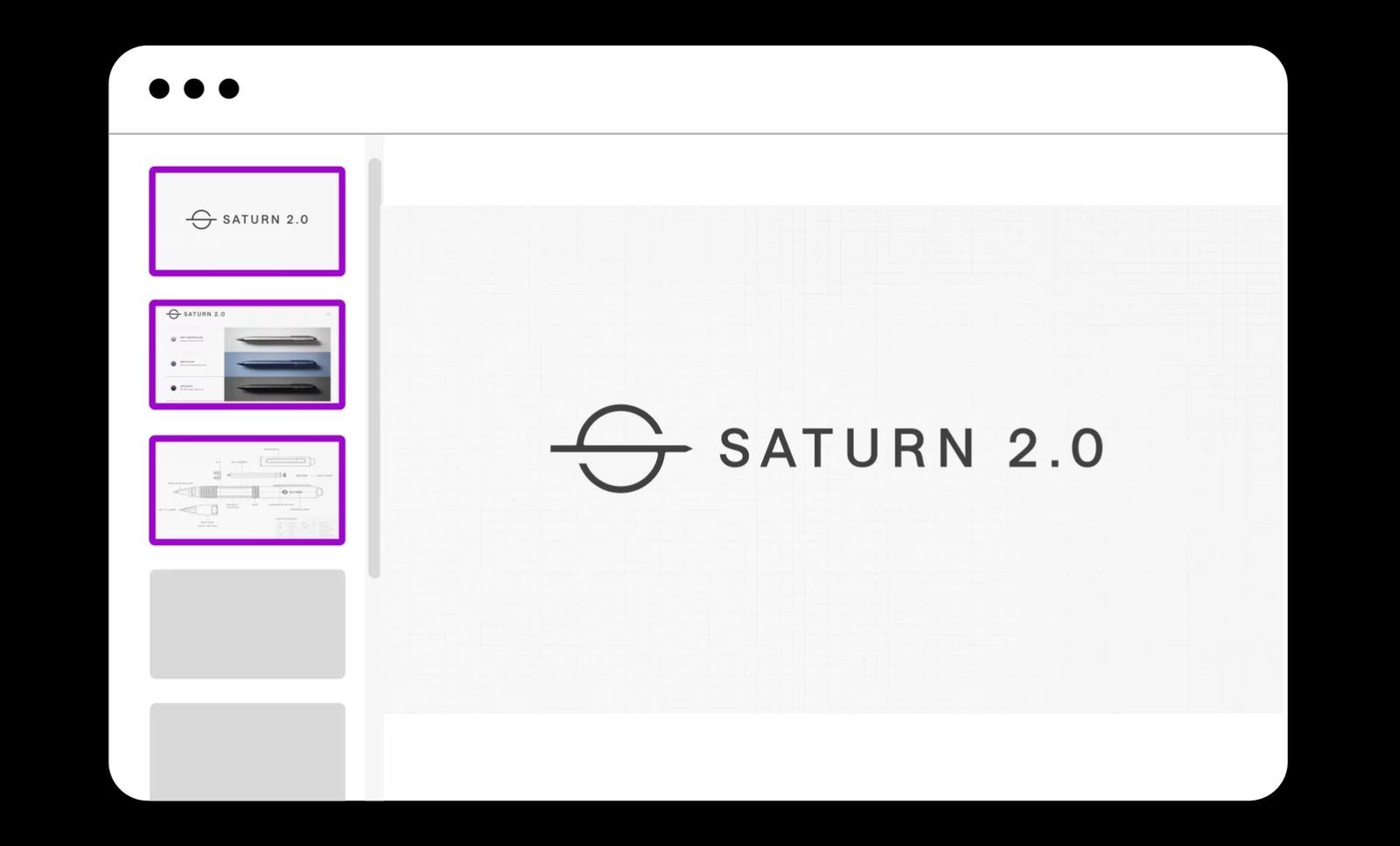
A stack is a collection of materials to review on a call: PDFs, images, videos, a screenshare, Google Drive files. You send a link, and guests join with no account. Everyone gets a named, coloured cursor, so you can see where people are looking, and anyone can read ahead, go back, or zoom in without asking the presenter to scroll. The materials stay available after the call ends.
This is the most interesting idea in the set. Screensharing forces one person's eyes on everyone; a stack does not.
Pricing
| Plan | Price | What you get |
|---|---|---|
| Trial | Free, 14 days | Full Creator, Camera, Stacks. Recorder capped at 5 clips of 5 minutes |
| Individual | $10/mo annual, $12/mo monthly | All four tools, unlimited videos, no time limits |
| Team | $10/mo per seat annual | Adds admin dashboard, central billing, Apple and Google SSO |
| Enterprise | Custom | Volume discount from 20 seats, account team, SOC 2 report, onboarding |
No permanent free tier. When Camera launched in April 2025 it was a $20 one-time purchase; that is gone, and everything now sits behind the one subscription.
Requirements
- macOS, Windows 10 and Windows 11 for the desktop apps
- Any browser for Recorder and Stacks
- No plugin needed in the meeting app, because Camera presents itself as a camera device
Background
Phil Libin ran Evernote as CEO from 2007 to 2015. He launched mmhmm in 2020, in the middle of the video call boom, and Sequoia seeded it with $4.6m. The company went on to raise about $100m from Sequoia, SoftBank Vision Fund and others. That is a lot of capital for a webcam filter, which explains the widening into a four-product toolkit.
The rebrand in April 2025 came with Camera and Creator as new products. Stacks followed in November 2025.

Who it is for
Airtime targets founders, educators, sales people and distributed teams. The fit is best when you present the same material often and want it to look consistent without building a studio. A sales team that wants one branded look across everyone's calls gets real value from Camera plus the Team plan. A teacher recording short modules gets it from Creator.
The fit is worst if you already run a hardware or software production chain. If you have OBS, an ATEM, a proper key light and a real camera, Airtime replaces nothing and adds a layer you do not need.
Limits
- No serious editing. Recorder trims the ends. Anything beyond that means Descript or a real NLE.
- Chroma key is weak. No exposed controls for spill, threshold or edge softness. On a real green wall it loses to OBS and to any hardware keyer.
- Recording cap of one hour. Fine for updates, wrong for a webinar recording.
- Subscription only. $120 a year for what is, for many people, one virtual camera.
- Direction keeps moving. Users who bought a virtual camera in 2025 now sit on a four-product platform. Worth watching before you standardise a team on it.
Alternatives
| Tool | Better at | Price |
|---|---|---|
| Loom | Async video messaging, sharing, view analytics | Free tier, then ~$15/mo |
| Descript | Real editing, transcript-based cutting, filler removal | Free tier, then ~$19/mo |
| OBS Studio | Full control, scenes, proper chroma key, virtual camera | Free, open source |
| Prezi Video | The same presenter-beside-slides idea | Free tier, then ~$5/mo |
| Ecamm Live | Mac live production, multi-camera, streaming | ~$16/mo |

My take
26 Apr 2025
Quick test of the Airtime Camera app (a virtual camera) and the chroma keying doesn't work for me. Too much green spill, and no way to tweak it it seems. To be explored further possibly.
OBS & the ATEM Mini remain my best options.
30 Aug 2026
Nothing since has changed that. The keyer still has no exposed controls, so the green wall verdict stands. Stacks is the part worth a second look: sending a link full of material that a client can read at their own pace beats screensharing a deck at them, and it needs no account on their side. That one is a sales tool, not a video tool.
Further reading
- Airtime, the product site
- Airtime pricing
- Everyone hates screensharing. We did something about it, the Stacks announcement, November 2025
- Phil Libin of mmhmm: All The Screen's a Stage, Sequoia
- Airtime reviews on G2